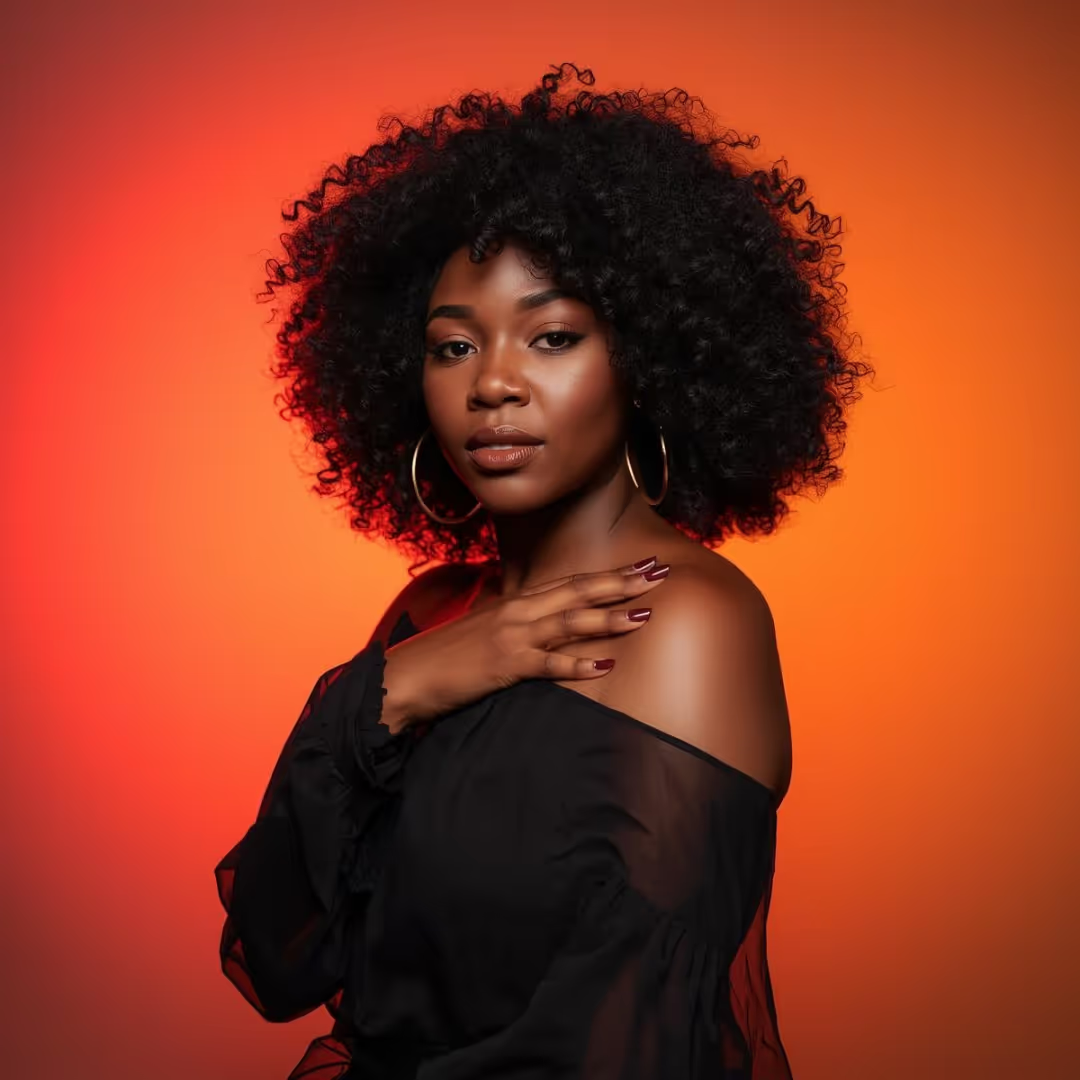
AI Background Remover for Photos, Products & People
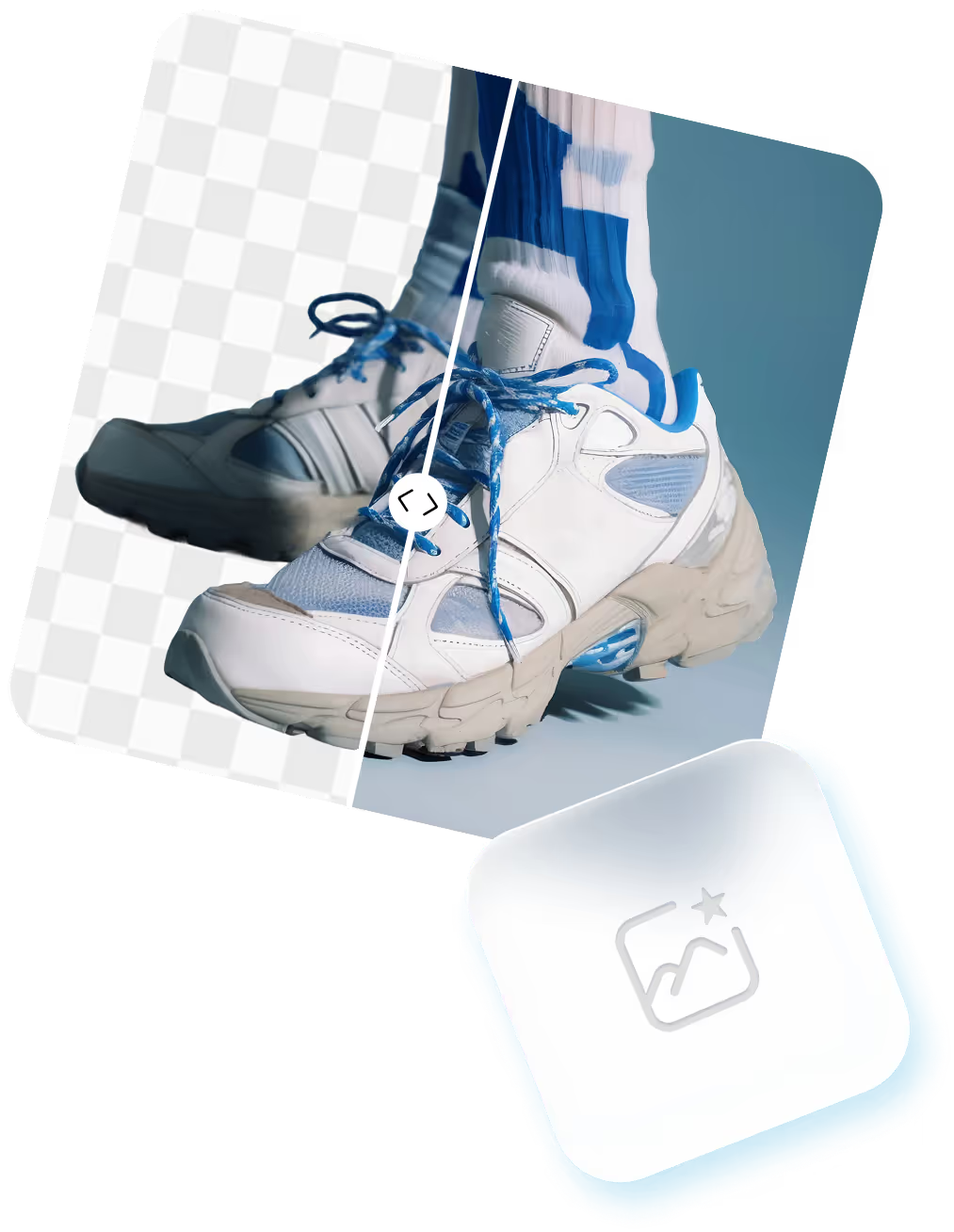
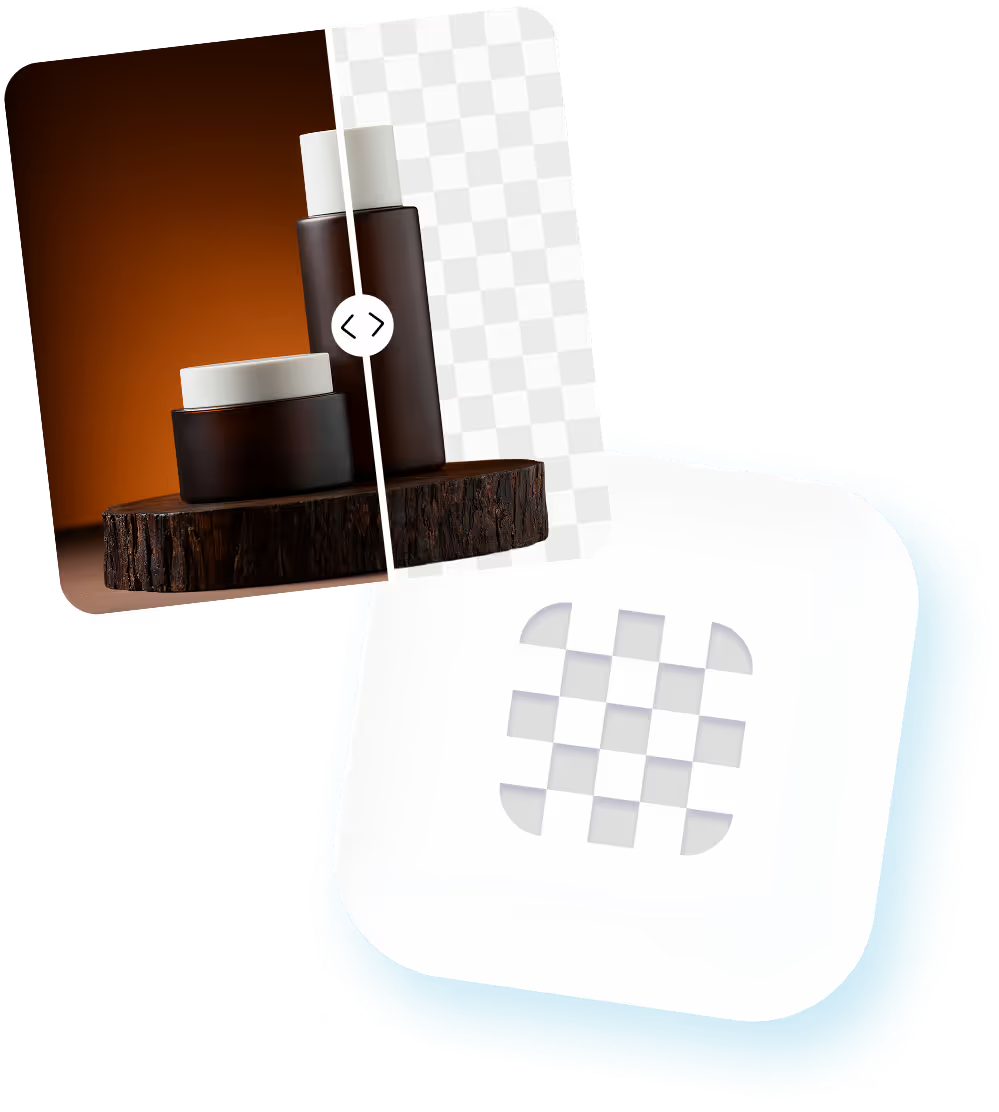
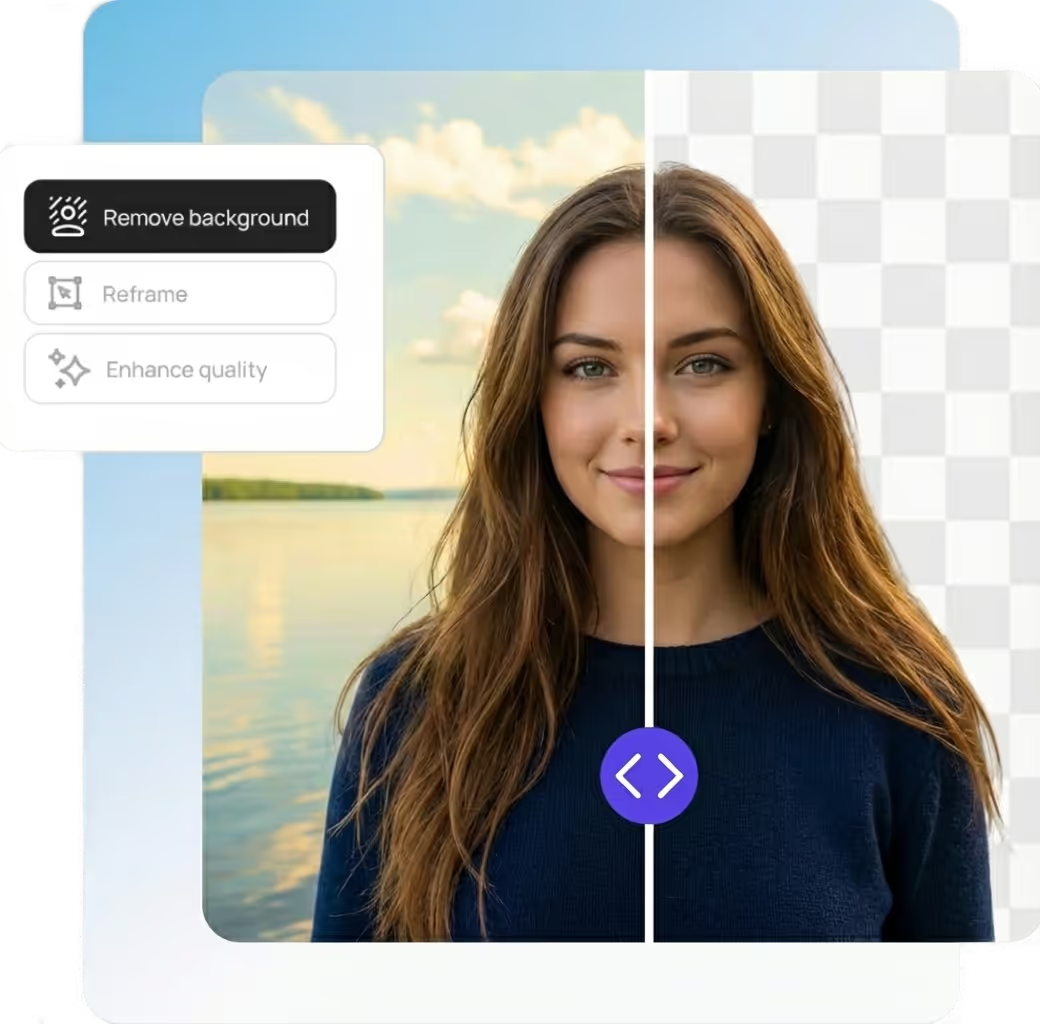
Our smart background removal tool uses advanced AI to accurately detect subjects and remove backgrounds from images—fast and precise.
Whether you’re editing:
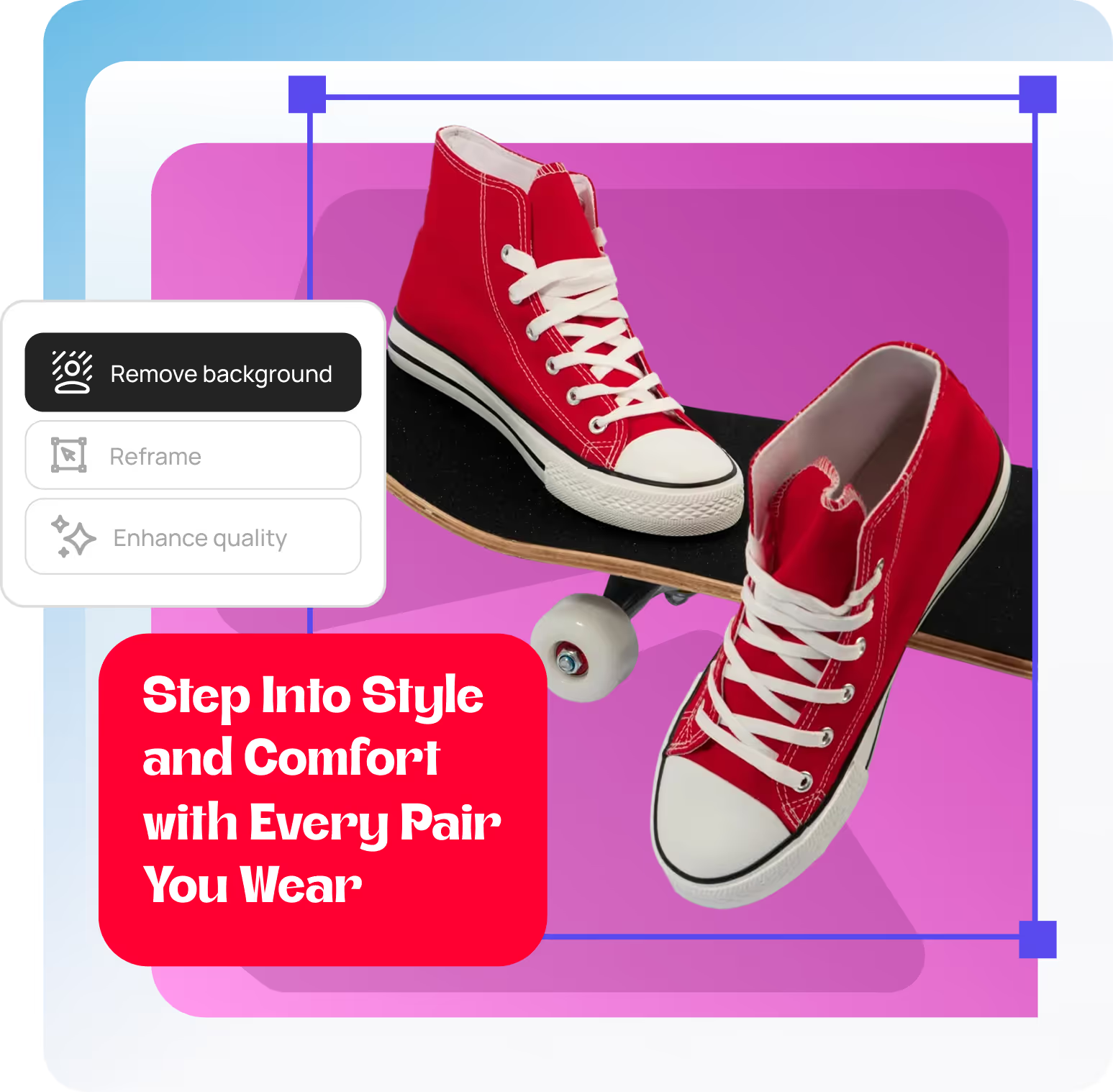
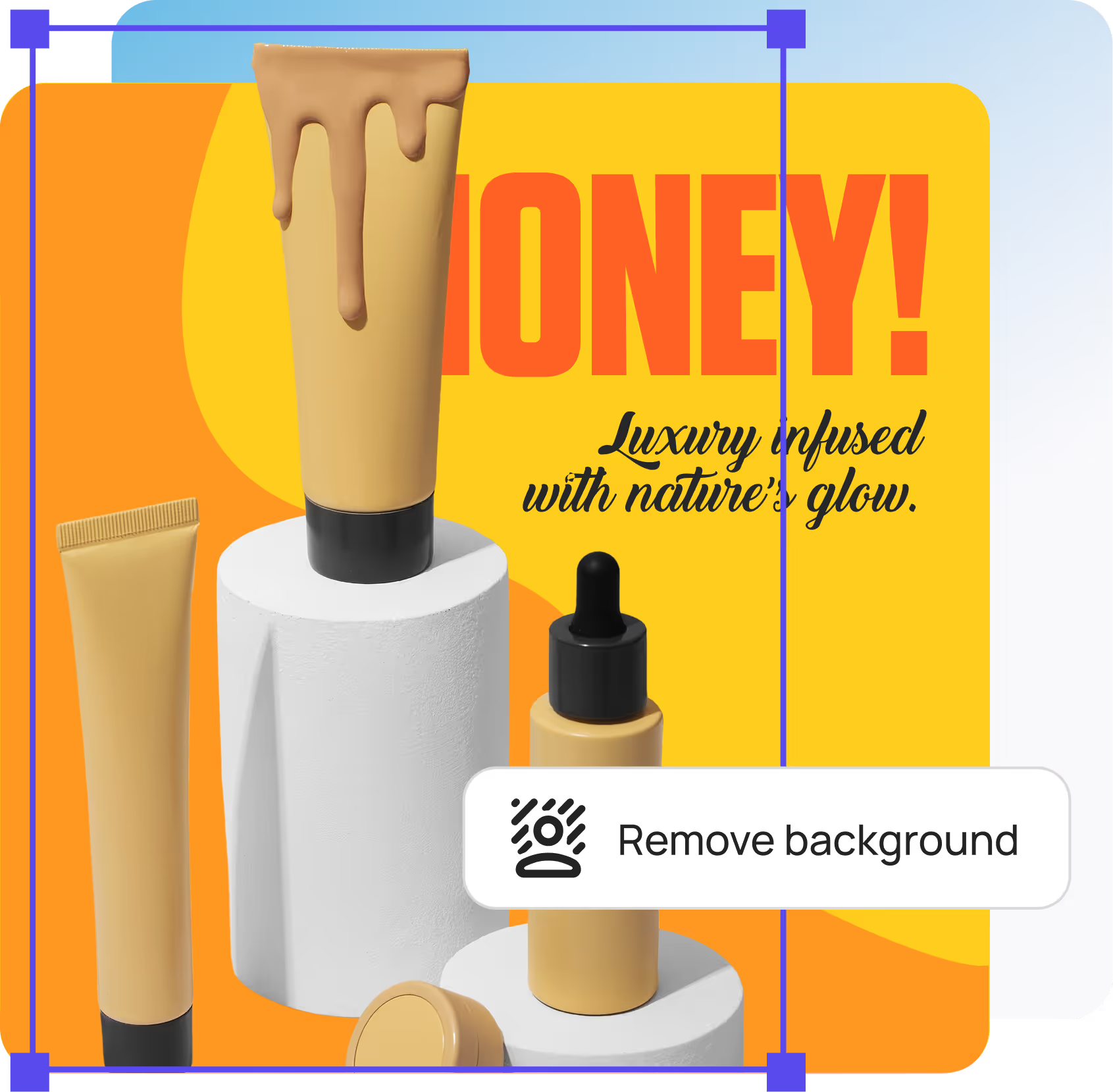
Product photos for ecommerce
Portraits and headshots
Logos and graphics
Social media images
You’ll get clean cutouts with sharp edges and fine details preserved.
How to Remove a Background with 3 easy steps
Upload your image (JPG, PNG, or WebP)
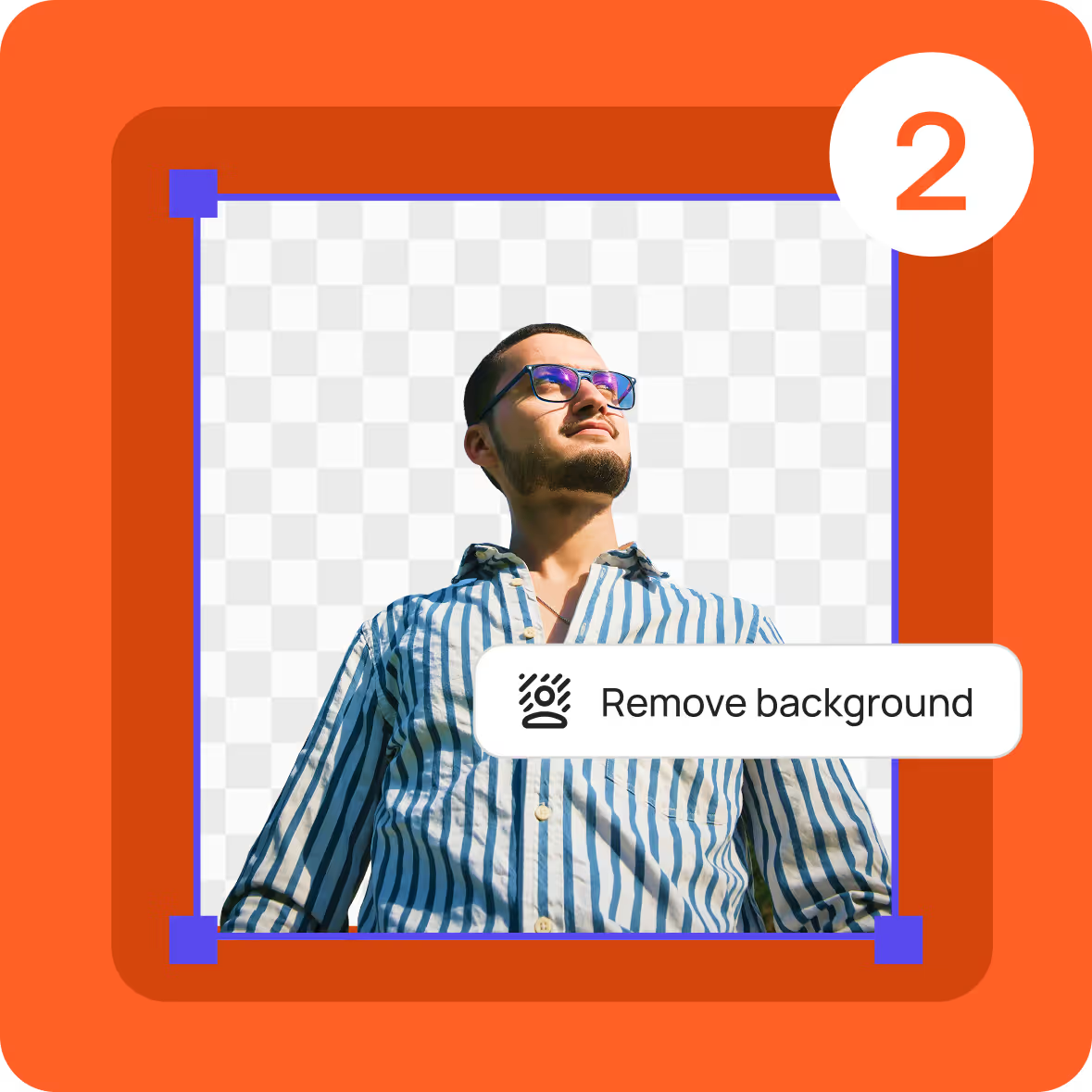
AI removes the background automatically
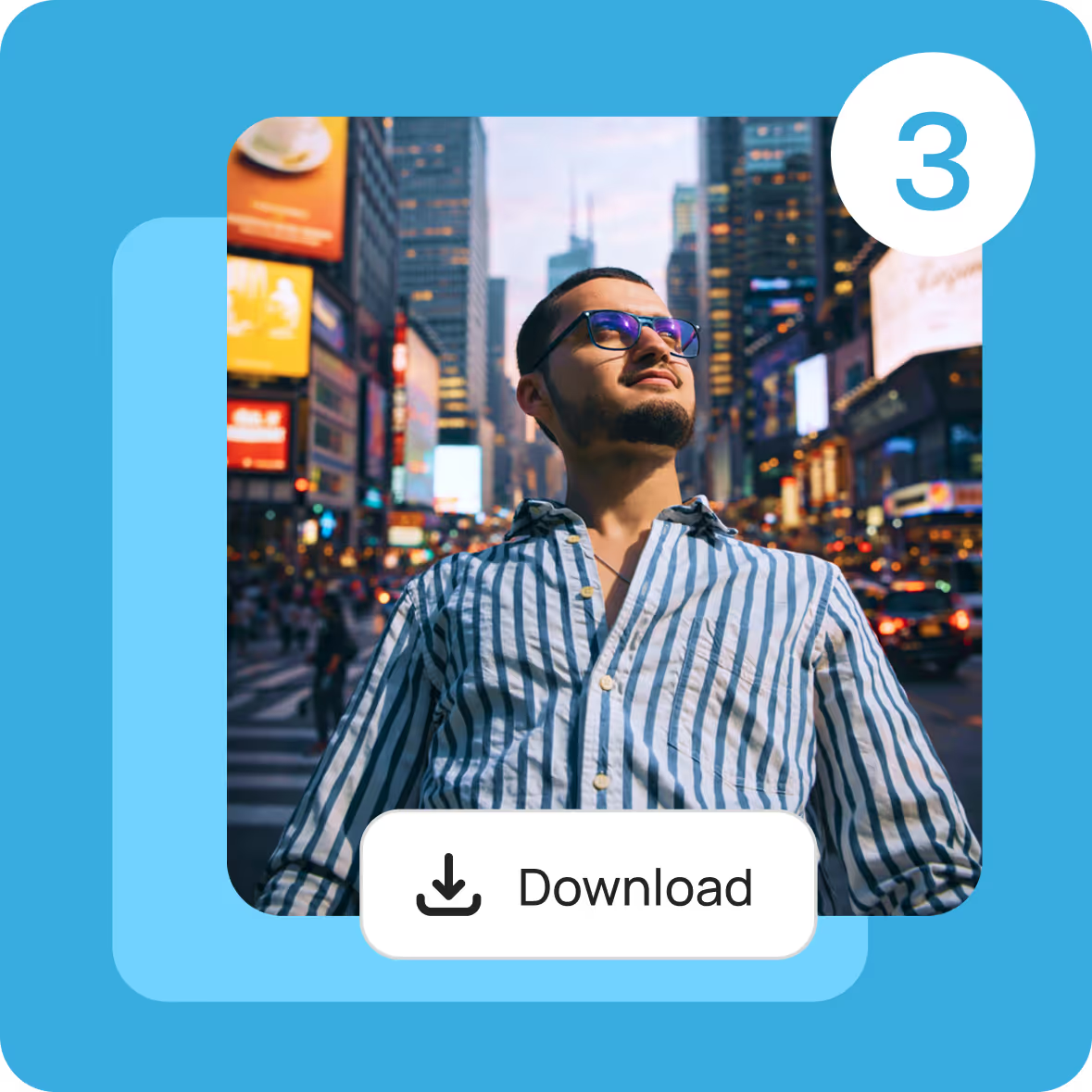
Download your image or replace background with a new one
Why Use Our Online Background Remover
One-click background removal — no manual editing
Fast AI processing — results in seconds
High-quality cutouts — keeps hair, edges, and details intact
Works on any device — desktop or mobile browser
No software download required
Perfect for creators, marketers, small businesses, and students.
Use Cases for Background Removal
After removing the background, you can:
Create professional product photos for online stores
Design marketing visuals and ads
Make transparent PNGs for presentations
Replace backgrounds for social media posts
Create clean profile pictures and headshots
One image—endless possibilities.
Frequently asked questions
Everything you need to know about using Designbee. From pricing to features to export quality, here are quick answers to the most common questions so you can start designing with confidence.
Photo editing is the process of improving, adjusting, or transforming images to better communicate an idea. This can include simple changes like cropping and color correction, or more advanced edits like layout, typography, and visual balance. Designbee focuses on making photo editing fast and tasteful, so your designs look polished without needing design skills.
Is the DesignBee photo editor free to use?
Yes. DesignBee offers a free version so you can start creating immediately. Some advanced features, premium styles, fonts, and assets are available with a paid plan for creators who want more control and higher-quality output.
Does the DesignBee photo editor leave a watermark?
Designs created in DesignBee do not include a watermark unless you are using a premium feature, so your visuals are ready to use anywhere — from ads and social posts to presentations and websites.
What is the best free photo editor?
The best free photo editor is the one that helps you get great results quickly. DesignBee is built for people who want professional-looking designs without complex tools, endless templates, or steep learning curves — making it one of the easiest ways to create high-quality visuals for free.
Is the DesignBee photo editor suitable for beginners?
Absolutely. Designbee is designed specifically for beginners, founders, marketers, and teams who don't want to think about layout, spacing, or font pairing. You choose a style, customize your content, and the design stays clean by default.
Is my privacy protected while using the DesignBee photo editor?
Yes. Your uploads and designs remain private and secure. DesignBee does not sell your content or use it without your permission. You stay in control of what you create.
Can I use the DesignBee Photo Editor on mobile devices?
DesignBee works directly in your browser, making it easy to create and edit designs on desktop and tablet. Mobile support is continuously improving to make designing simple wherever you work.
Free Background Remover (Try It Instantly)
Try our background remover online for free and see the results instantly before committing. Upgrade anytime for advanced editing features and unlimited exports.