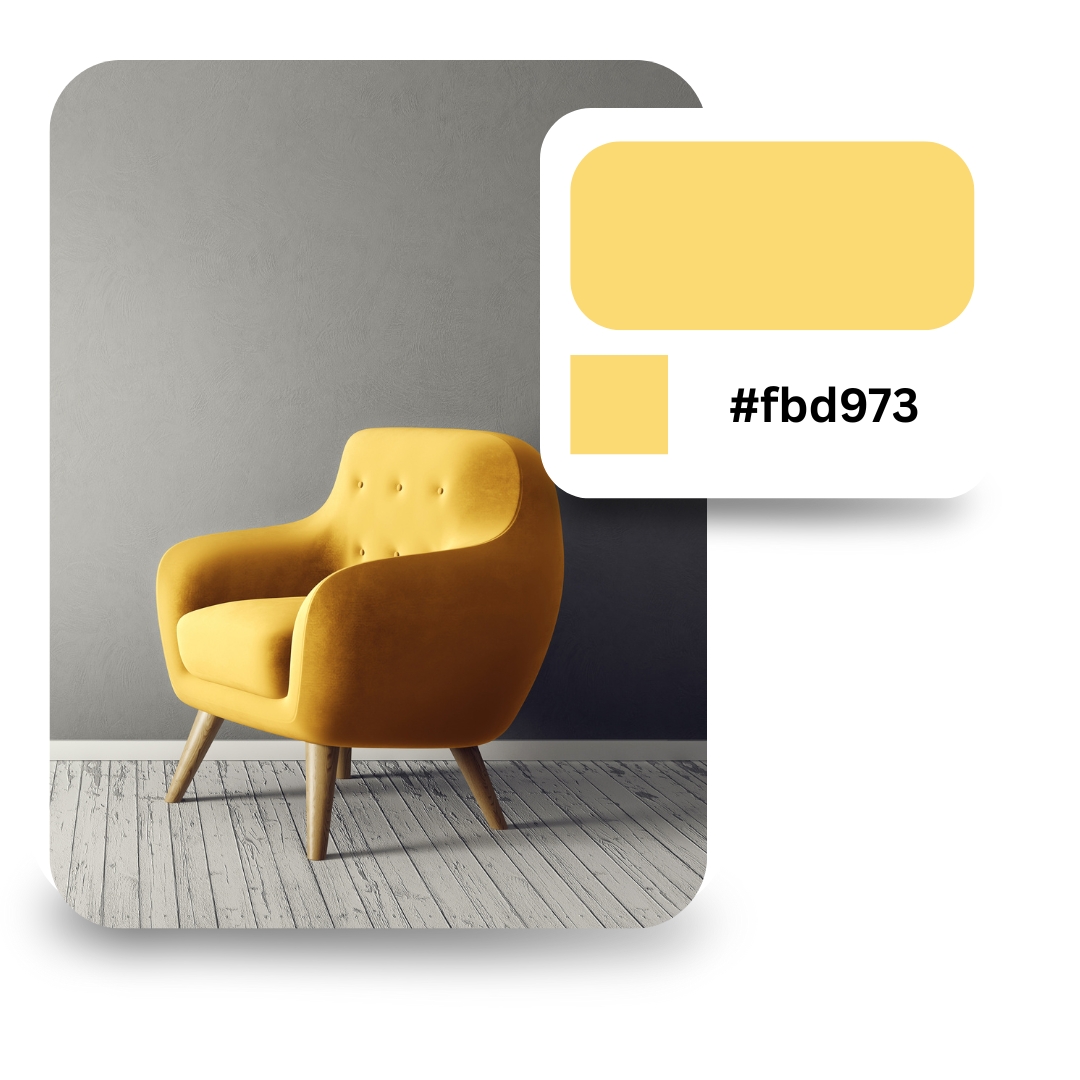
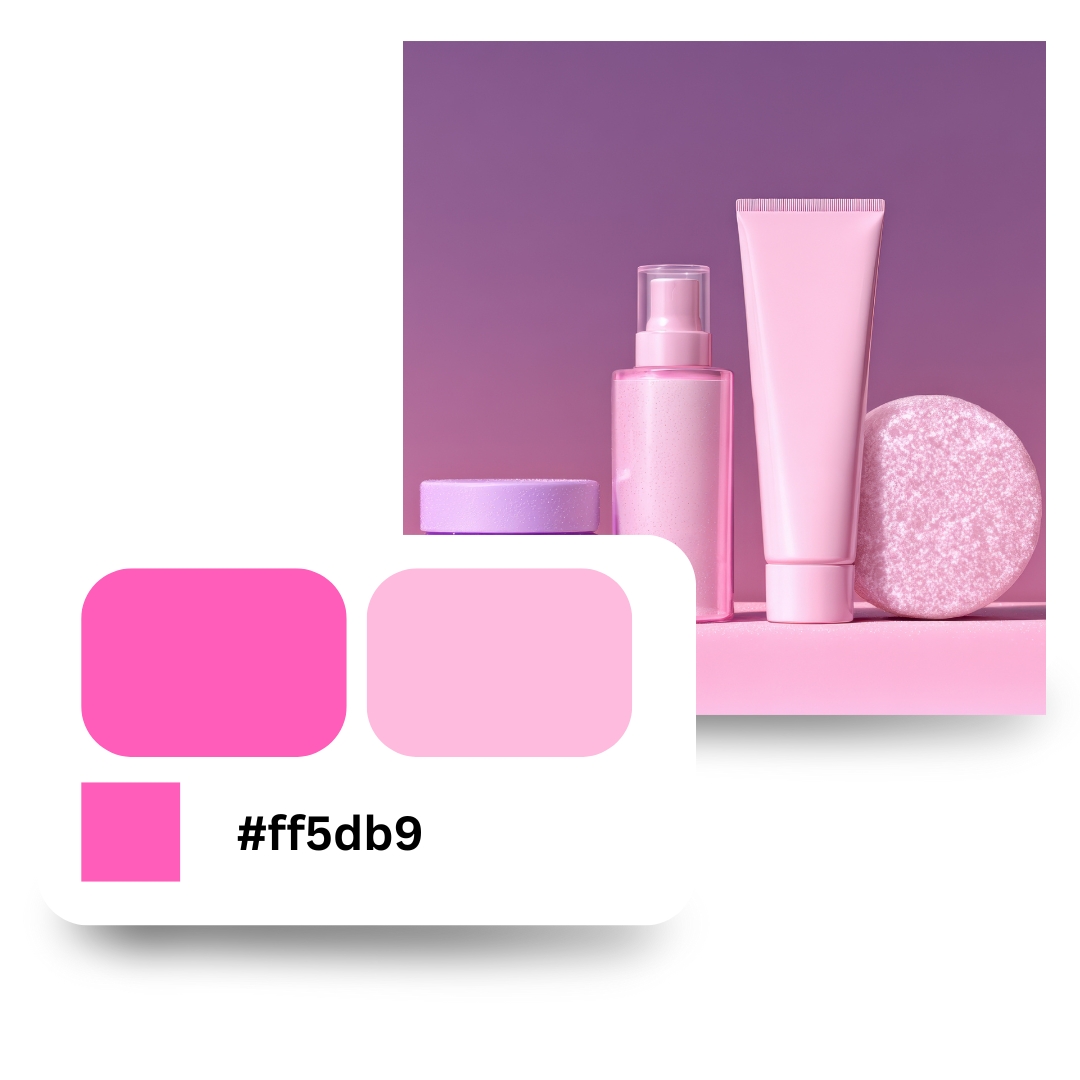
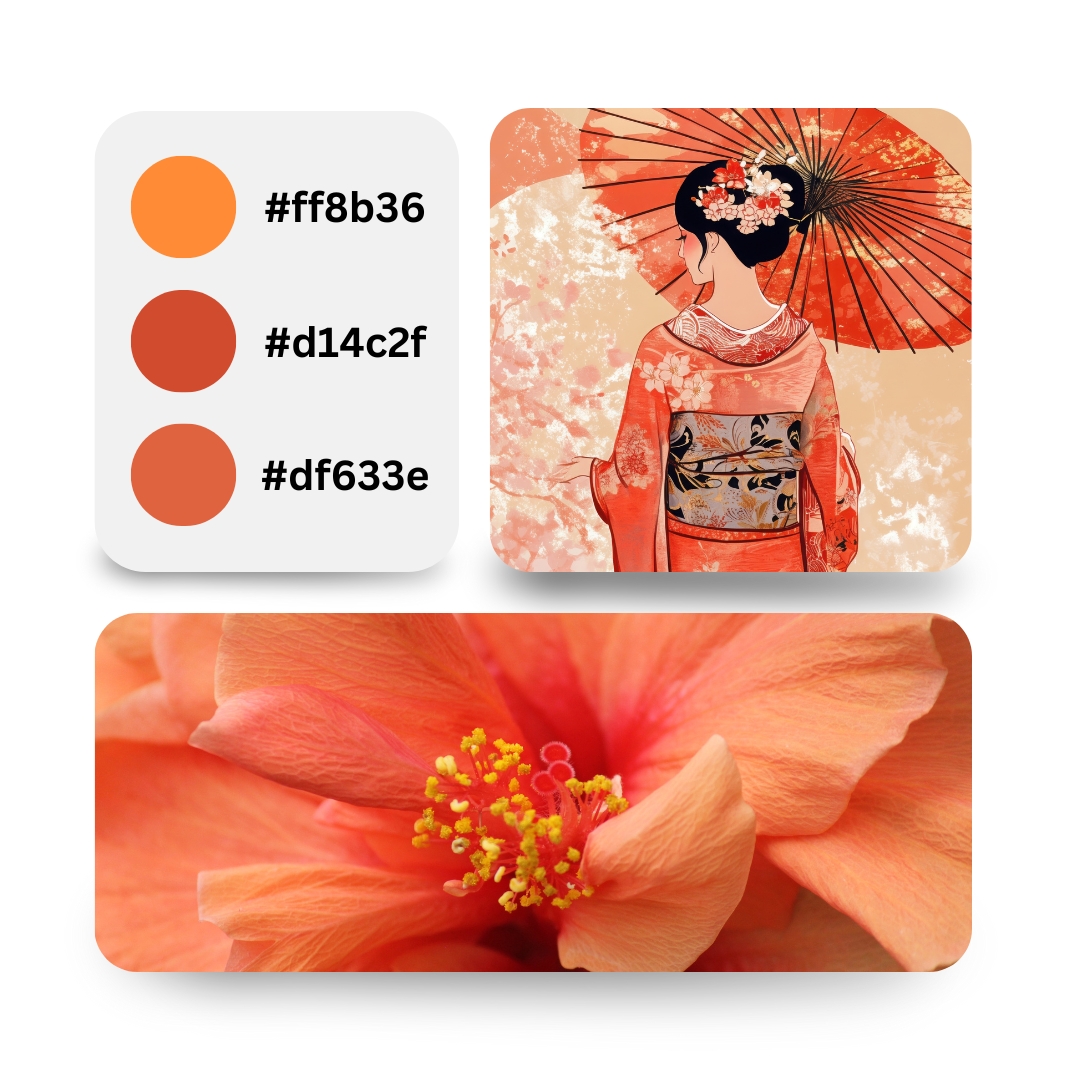
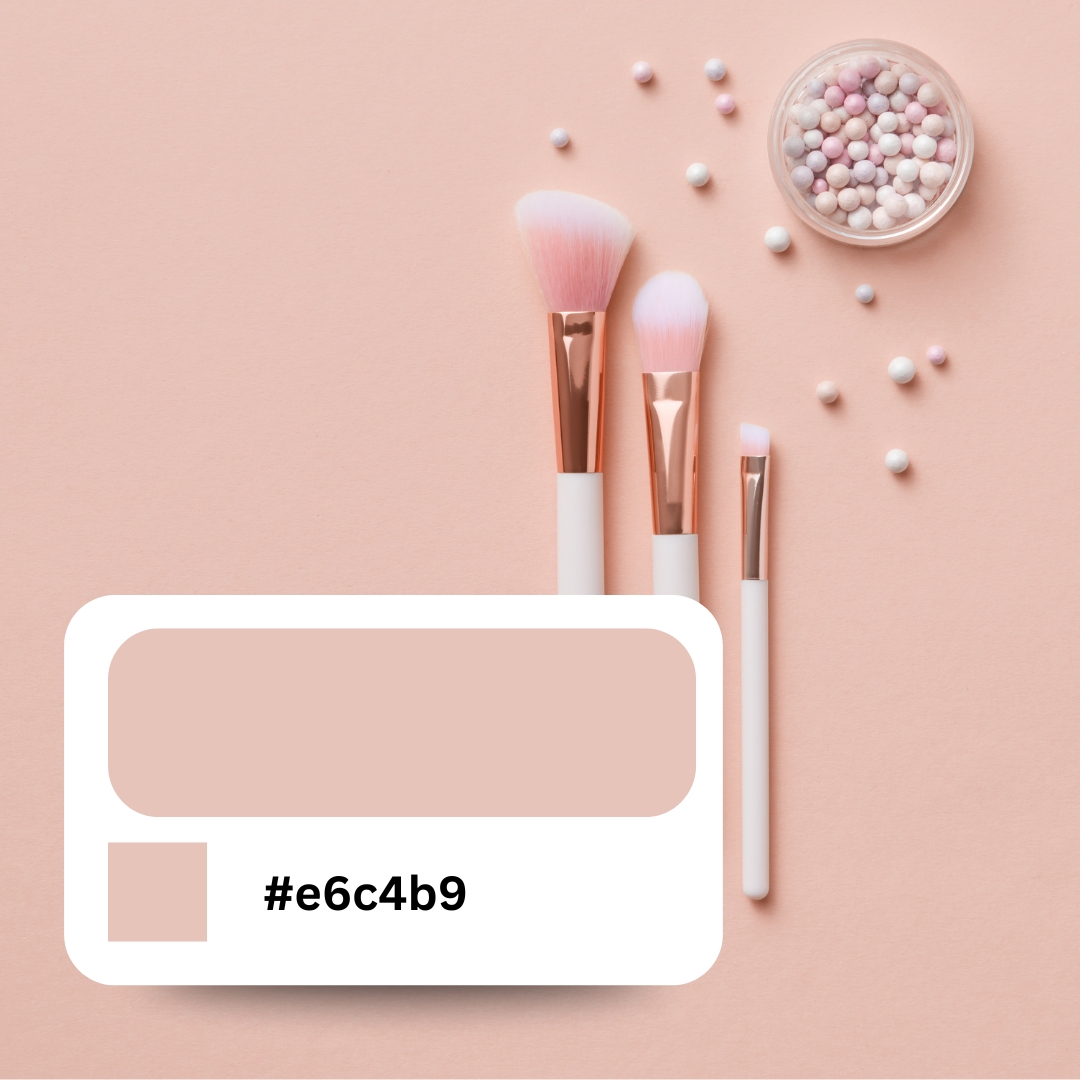
It's really simple. You see a color you like, you pick it, and boom - you get the code. You can use it on your website, in Photoshop, or anywhere else. The tool shows you the color in three different formats: HEX (like #FF5722), RGB (like rgb(255, 87, 34)), and HSL (like hsl(14, 100%, 57%)). Most people use HEX for websites, but we give you all three just in case. Click the copy button and paste it wherever you need it. That's it. No signup, no BS, just pick your color and go.
How to use it
Step 1: Click the colored square or the big circle to pick a color. Step 2: Want a specific color? Type the HEX code in the box (like #FF5722). Step 3: Switch between HEX, RGB, or HSL by clicking the buttons. The color code changes automatically. Step 4: Hit the Copy button and paste it in your code or design tool. Done. Takes like 10 seconds.
Who needs this?
Anyone making websites, designing logos, or creating graphics. If you're building a website and need to match your brand colors exactly, this is for you. Designers use it to grab color codes from inspiration. Developers use it to write CSS. Even if you just want your Instagram post to have the perfect shade of blue, this works. It's free and works on your phone too. You can pick colors for anything - websites, apps, presentations, posters, whatever. If it needs a color code, we got you covered.
With most tools, you can still make bad designs. With DesignBee, it's actually hard to mess things up. That's the magic.
Priya Natarajan
Growth Lead, Fintech Startup
DesignBee feels like having a senior designer quietly fixing everything behind the scenes. It's the fastest way we've found to produce client-ready visuals.
Ethan Brooks
Agency Owner, Northline Creative
We create a lot of content every week, and Designbee is the only tool that doesn't slow us down. The designs just come out clean by default, which is rare.
Jordan Ramirez
Social Media Manager, Pulse Collective
I'm not a designer, but everything I make in DesignBee looks like one hired me. It removes all the decisions I usually get wrong—spacing, fonts, balance—so I can just focus on the message.
Maya Chen
Solo Founder, Brightly Labs
DesignBee completely changed how fast we ship ads. I pick a style, swap the copy and image, and I'm done. No more template hunting or second-guessing layouts.
Alex Darling
Performance Marketer, Darlington Growth
I used to overthink every design. Now I just choose a style and go. Everything looks consistent, polished, and on-brand without trying.
Lena Hoffmann
Content & Brand Manager, E-commerce
With most tools, you can still make bad designs. With DesignBee, it's actually hard to mess things up. That's the magic.
Priya Natarajan
Growth Lead, Fintech Startup
DesignBee feels like having a senior designer quietly fixing everything behind the scenes. It's the fastest way we've found to produce client-ready visuals.
Ethan Brooks
Agency Owner, Northline Creative
We create a lot of content every week, and Designbee is the only tool that doesn't slow us down. The designs just come out clean by default, which is rare.
Jordan Ramirez
Social Media Manager, Pulse Collective
I'm not a designer, but everything I make in DesignBee looks like one hired me. It removes all the decisions I usually get wrong—spacing, fonts, balance—so I can just focus on the message.
Maya Chen
Solo Founder, Brightly Labs
DesignBee completely changed how fast we ship ads. I pick a style, swap the copy and image, and I'm done. No more template hunting or second-guessing layouts.
Alex Darling
Performance Marketer, Darlington Growth
I used to overthink every design. Now I just choose a style and go. Everything looks consistent, polished, and on-brand without trying.
Lena Hoffmann
Content & Brand Manager, E-commerce
Frequently asked questions
Everything you need to know about using Designbee. From pricing to features to export quality, here are quick answers to the most common questions so you can start designing with confidence.
The color picker shows you three formats: HEX (like #FF5722), RGB (like rgb(255, 87, 34)), and HSL (like hsl(14, 100%, 57%)). Click the format buttons to switch between them instantly.
Can I type in a color code manually?
Yes! Just type any HEX code directly into the input box (like #FF5722). The color picker will update automatically and show you that color.
Is this color picker free to use?
Yes, completely free. No signup, no watermarks, no hidden fees. Pick as many colors as you want and use them in any project.