AI Photo Editor - Free Image Editing Powered by AI

Transform your photos in seconds with powerful AI tools. Remove backgrounds, enhance images, and create stunning visuals—no design skills required.

By uploading a file you agree to DesignBee’s Terms of Service and Privacy Policy.

Excellent
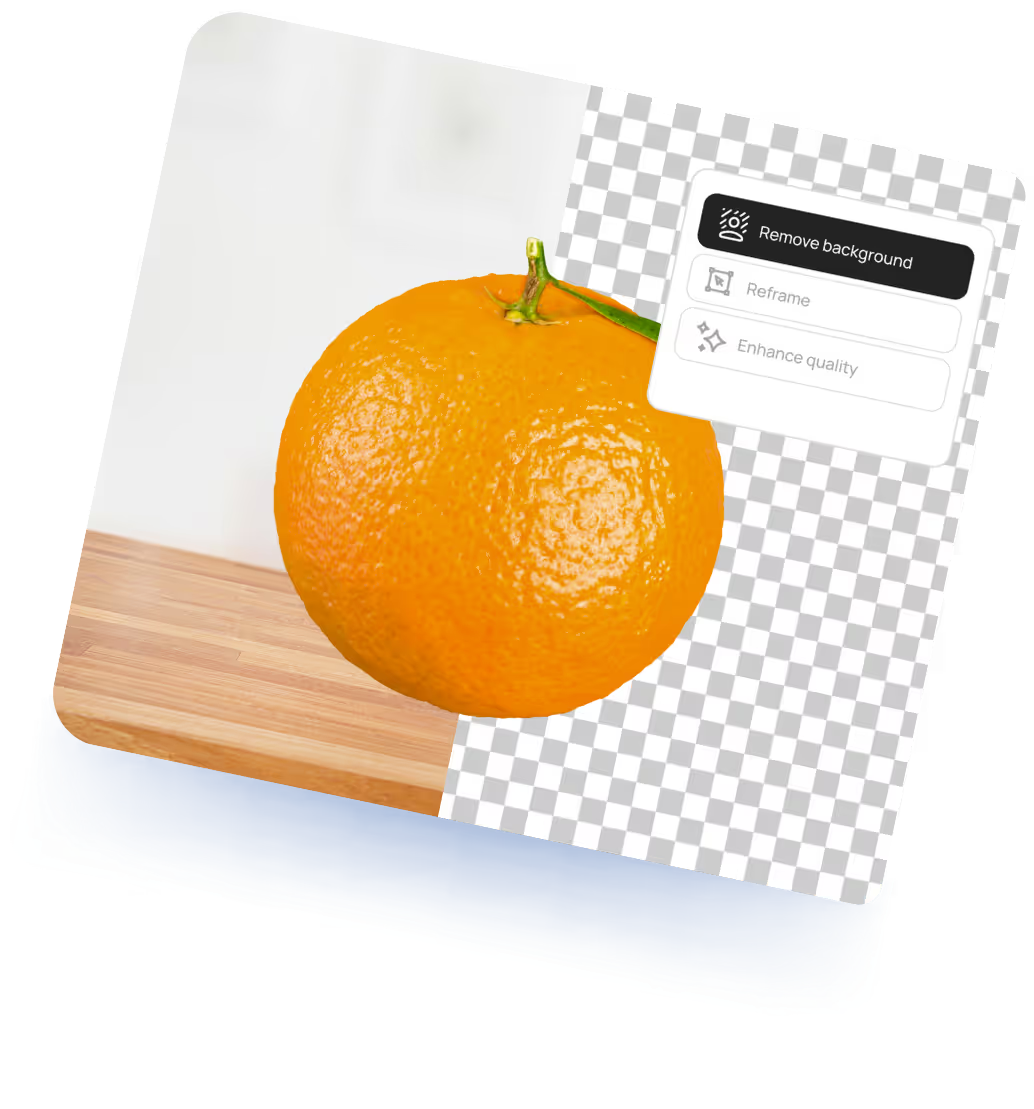
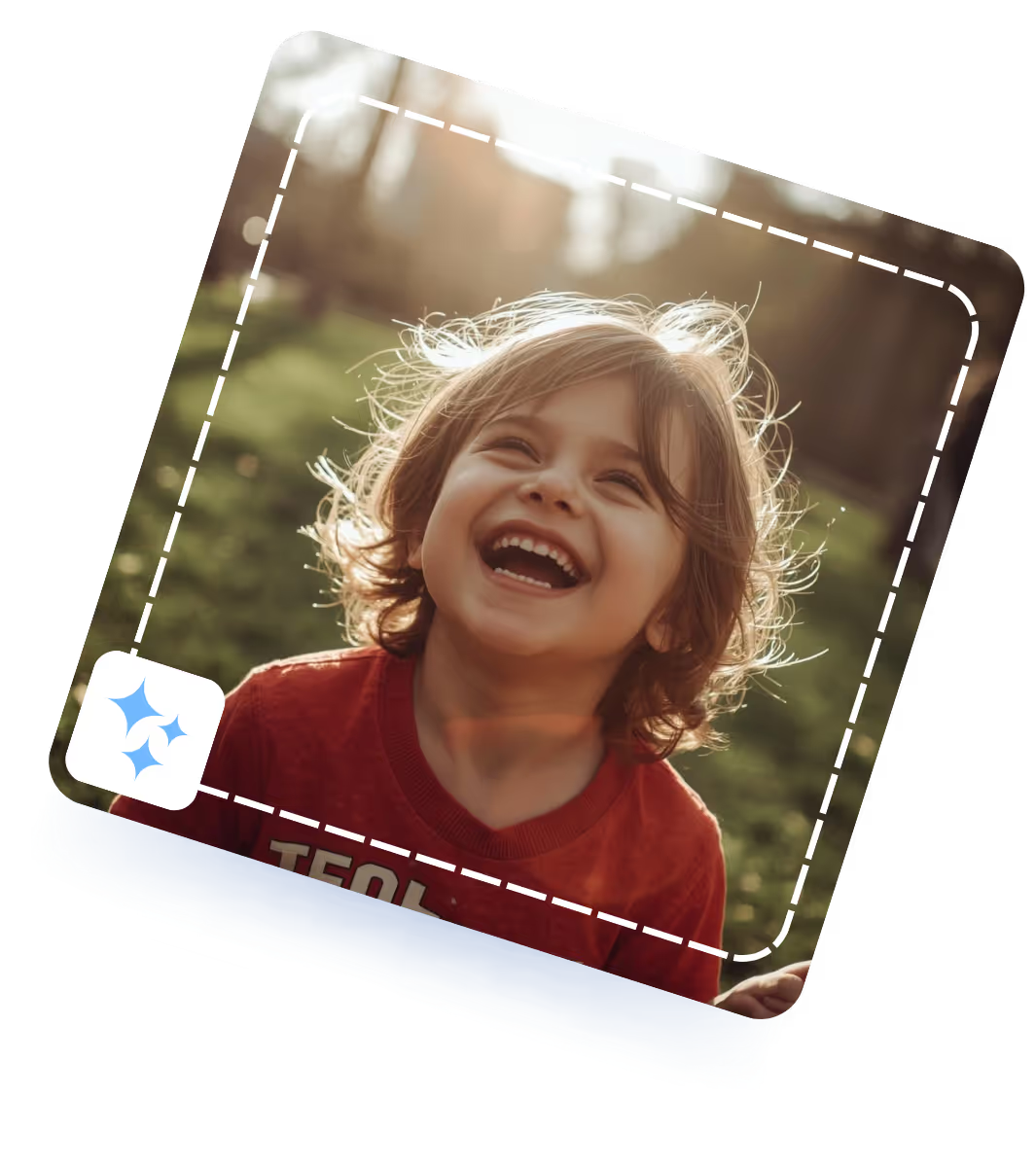
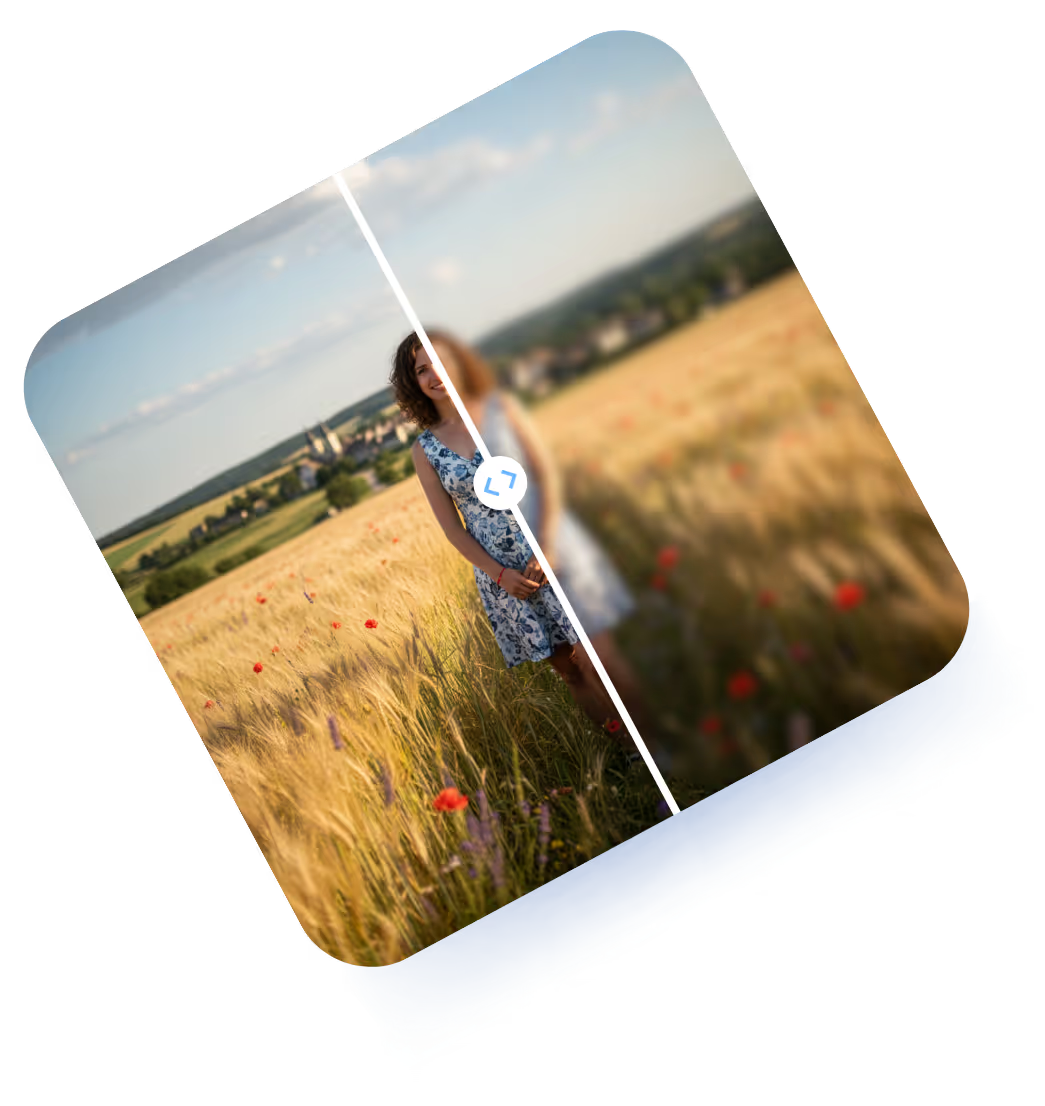
Three cosmetic containers, including a jar with cream and two tubes, displayed on a round white and blue platform with blue curtains in the background.Bright orange with green stem placed on a surface half over a wooden table and half over a transparent checkerboard background with editing options.Smiling young child with light brown hair wearing a red shirt outdoors in natural sunlight.Split image showing a woman in a floral dress standing in a wheat field, with the left side sharp and the right side blurred.

AI-powered Photo Editor

Take advantage of the latest in AI technology, including AI photo editing, to take the grunt work out of editing photos and creating content.

Image editing tools for all

Find image editing tools for all your photo editing needs built into one easy-to-use interface.

Time-saving templates

Start with a beautifully designed template for any occasion. Simply add your own photos and personal flair.

Create stunning edits in 3 simple steps

Upload Your PhotoDrag and drop or click to upload any image. We support JPG, PNG, WEBP, and more.
Choose Your AI ToolSelect from our powerful suite of AI editing tools—background remover, enhancer, object eraser, and more.
Download & ShareGet your edited image instantly. Download in high quality or share directly to social media.
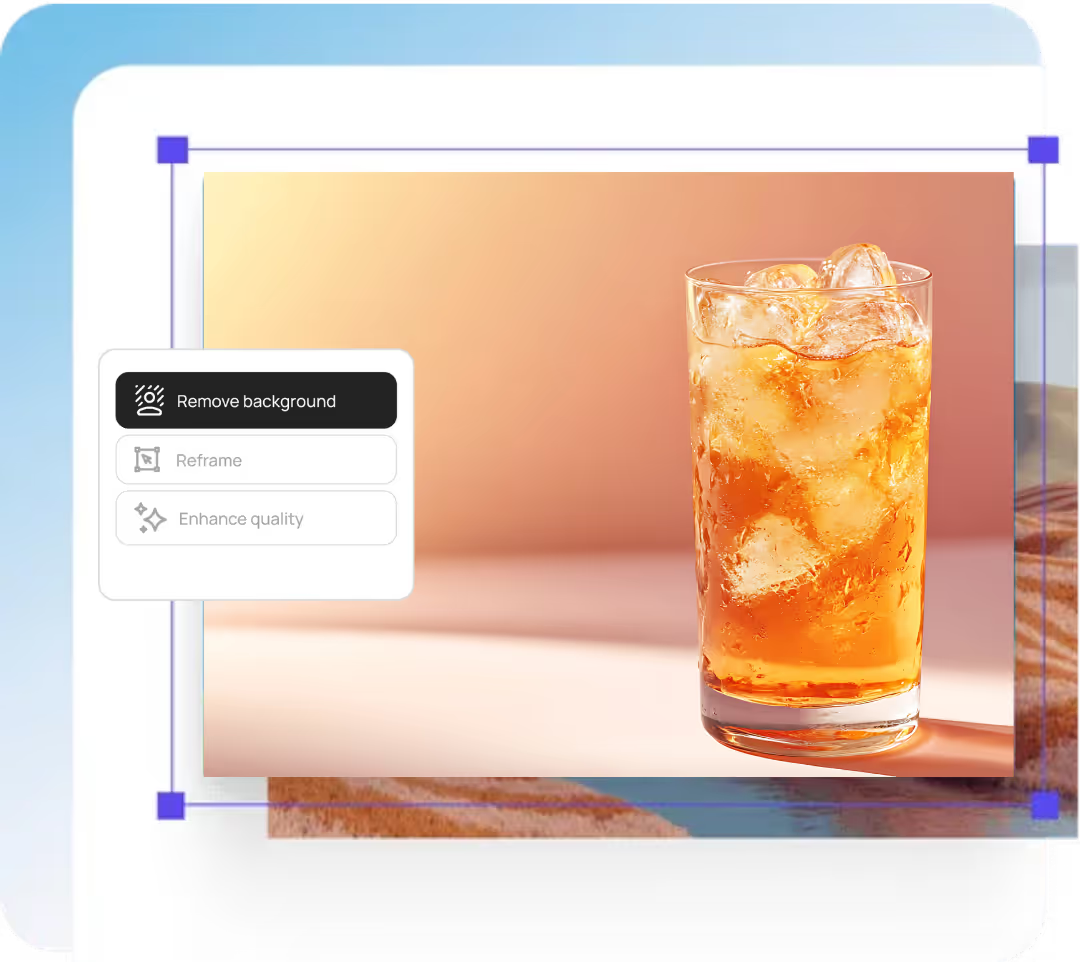
Glass of iced orange-colored drink on a light surface with a blurred gradient background.
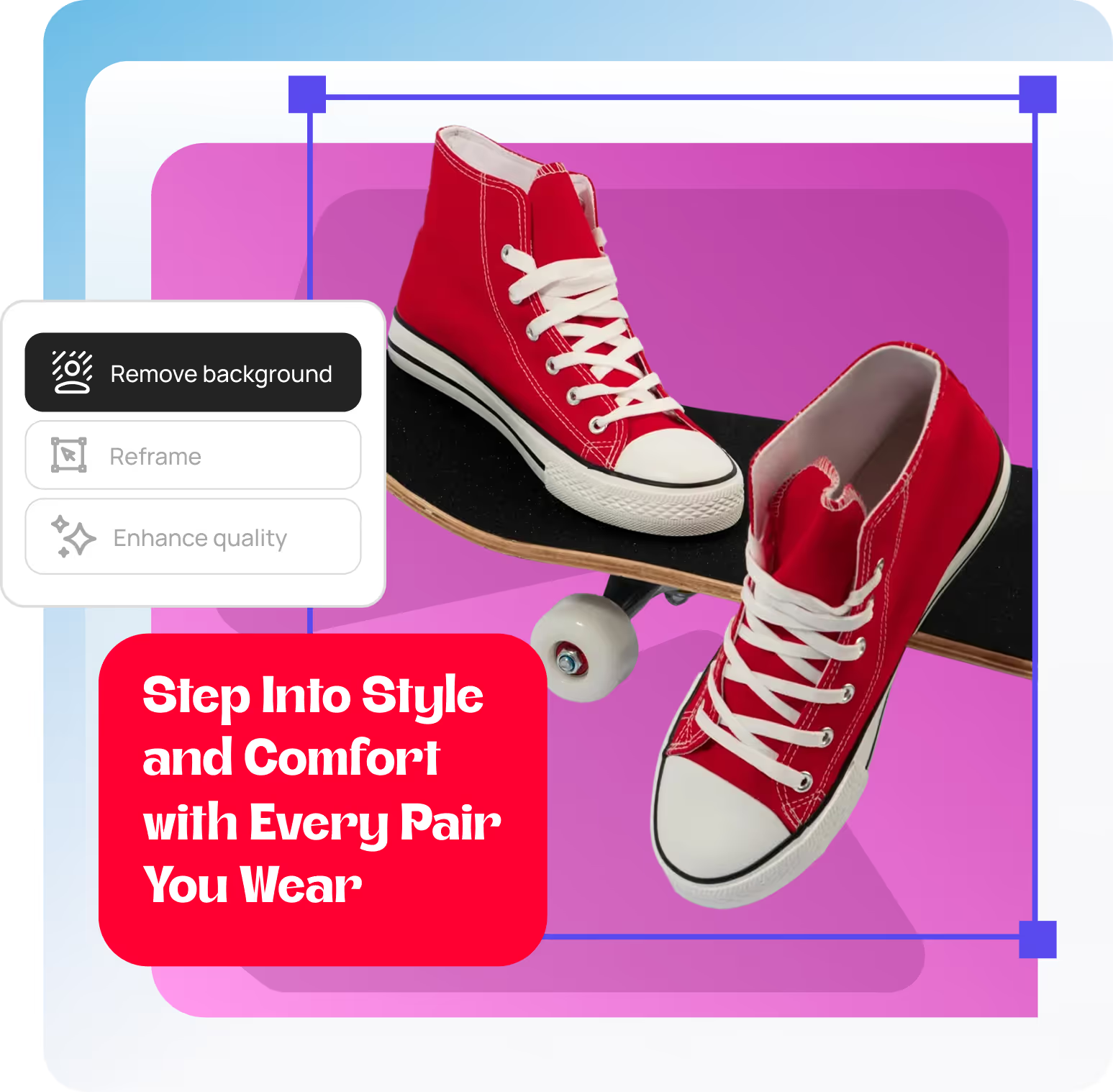
Pair of red high-top sneakers with white laces resting on a skateboard against a purple background with text 'Step Into Style and Comfort with Every Pair You Wear.'

Built for creators who want results, fast

For Content Creators & InfluencersCreate scroll-stopping content for Instagram, TikTok, and YouTube. Edit photos faster and post more consistently with AI-powered tools.
For E-commerce & Product PhotosRemove backgrounds, enhance product images, and create professional listings in minutes—no photographer needed.
For Marketers & BrandsDesign eye-catching ads, social posts, and marketing materials. Batch edit images and maintain brand consistency at scale.

One-Click Background Removal

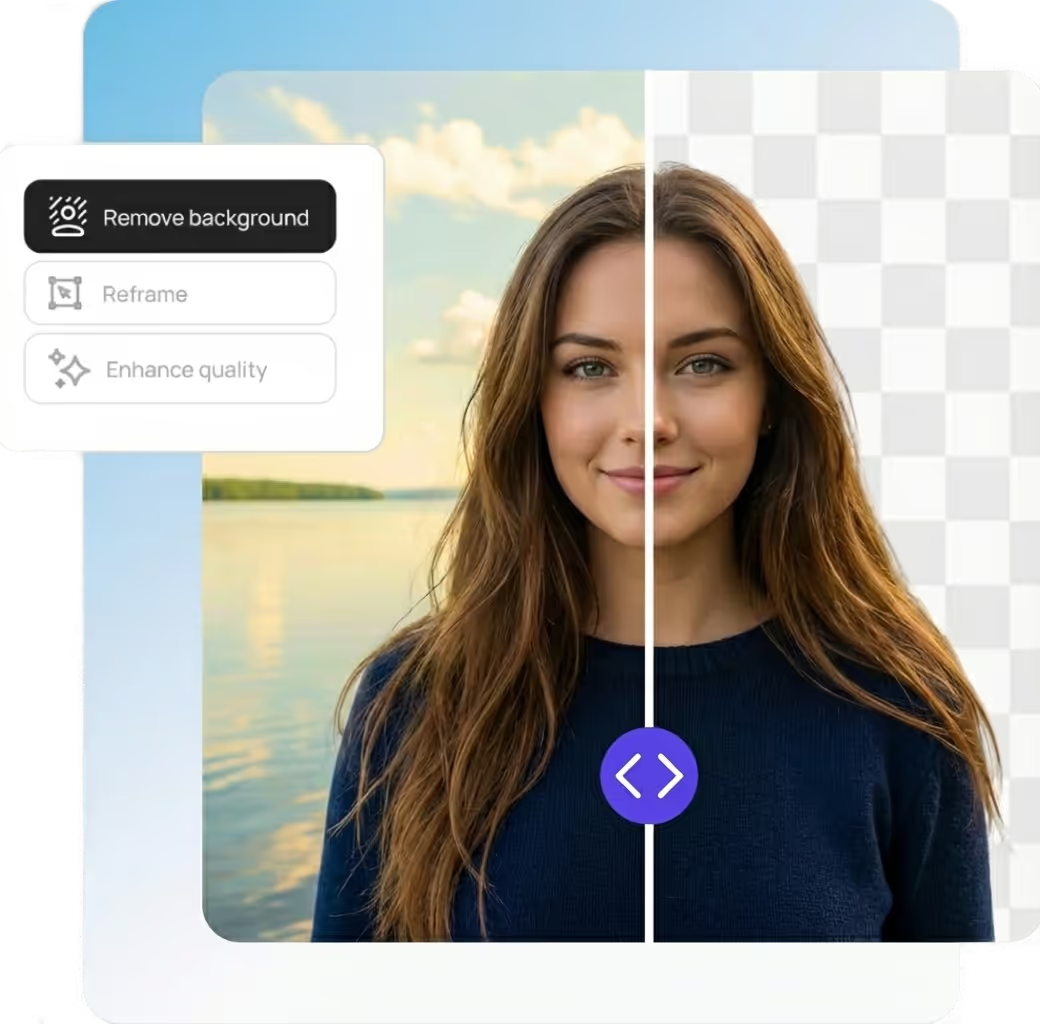
One-click background removalOur AI understands the difference between subjects and backgrounds—even with complex edges like hair, fur, or transparent objects. Replace backgrounds with solid colors, gradients, or custom images.
Select any object, person, or element you want to remove. Our AI intelligently fills the space with realistic content that matches the surrounding area.
Split image of a woman with brown hair; left side shows original background of a lake and sky, right side shows removed background with transparent grid.
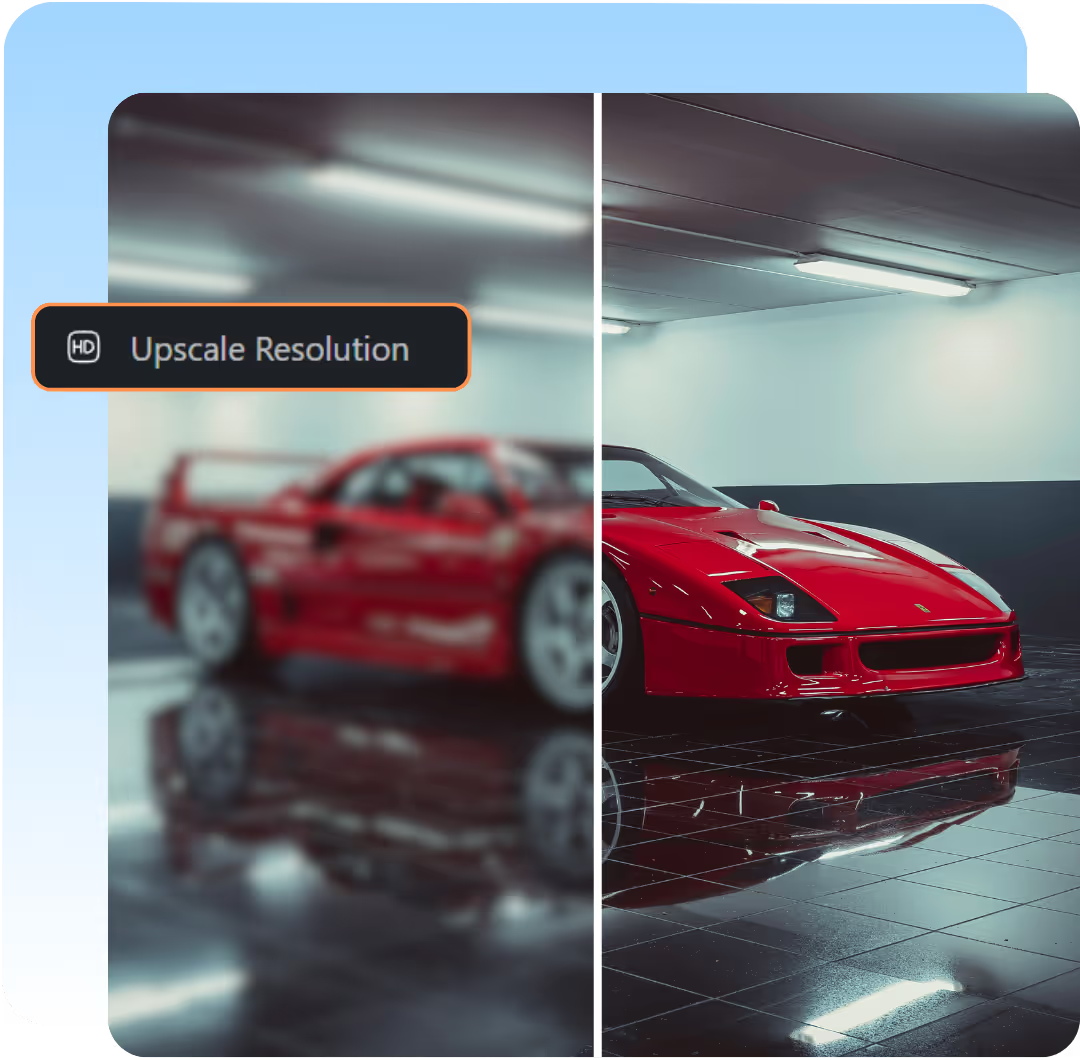
Side-by-side comparison of a red sports car in a garage with the left side blurred and labeled 'Upscale Resolution,' and the right side clear and sharp.

Lossless Image Upscaling

Enlarge without quality lossTransform low-resolution images into high-quality prints. Our AI adds realistic detail and texture as it upscales, producing sharp images at any size.Turn any low‑resolution photo into a stunning, print‑ready masterpiece. Powered by advanced AI, our tool recreates authentic detail and texture, delivering crisp, sharp visuals at every size.

AI-Powered Photo Enhancement

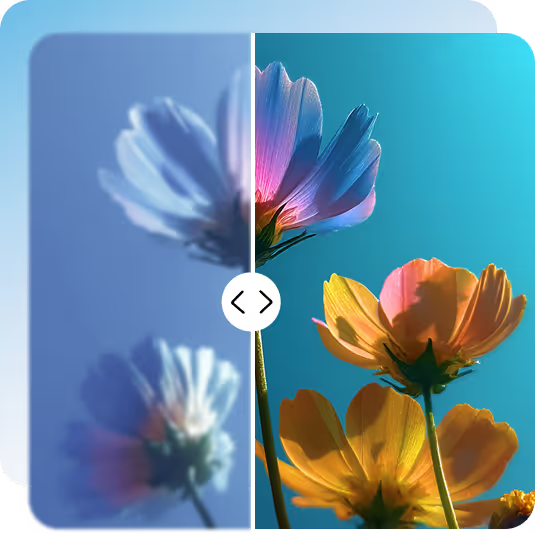
Automatic image improvement Let AI analyze and enhance your photos instantly. Our enhancement engine adjusts exposure, contrast, saturation, and sharpness for picture-perfect results every time.Instantly elevate your images with AI-powered precision. Our intelligent engine fine‑tunes exposure, contrast, color saturation, and sharpness to deliver flawless, picture‑perfect results—every single time.
Comparison of flower photo clarity with one side blurry and the other side sharp and colorful under blue sky.

Templates that instantly level up your designs.

Beautiful, ready-to-use designs you can’t get anywhere else — all customizable in seconds with AI.

Tech & Startups
Real Estate
Health & Wellness
Food & Beverage
Education
Fashion & Beauty
Tech & Startups
Real Estate
Health & Wellness
Food & Beverage
Education
Fashion & Beauty
Try it for free!

Tools so effortless, it’s like design on autopilot.

AI-enhanced features that simplify every step so you can focus on the ideas, not the busywork.

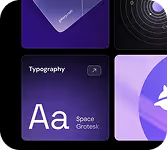
Typography design card with 'Aa Space Grotesk' text on a dark background.

AI-powered editor

Make your design fit every social format, instantly.

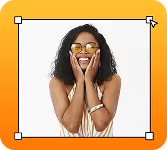
Smiling woman wearing sunglasses with hands on her cheeks against an orange background.

Auto-resize for each platform

Make your design fit every social format, instantly.

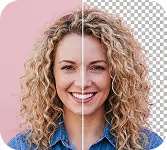
Smiling woman with curly blonde hair shown in a split image comparing two different lighting or editing effects.

Remove background

Clean up your image and keep the focus on your subject.

Human hand and robotic hand reaching out to touch each other within a neon-lit futuristic grid tunnel.

Generate social media posts

Need content fast? Create scroll-worthy posts in seconds.

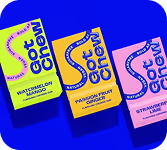
Three colorful packets of So Chew candy in watermelon, passion fruit, and strawberry flavors on a blue background.

Create ad variantsfor A/B testing

Upload one asset and get multiple ready-to-test variations.

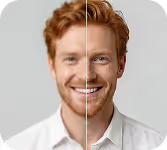
Side-by-side portrait of a smiling red-haired man showing before and after image enhancement.

Enhance image quality

Fix low-quality photos and upscale them automatically.

Person riding a bike in the city wearing a bright yellow delivery backpack.

Turn pictures intobranded images

Instantly adapt any photo to match your brand style.

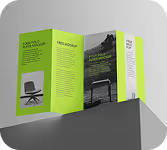
Green and white trifold brochure standing upright on a gray surface, featuring images of a laptop and a chair with text sections.

Design posters and flyers

Create eye-catching designs for print or display.

Try it for free!

Testimonials

With most tools, you can still make bad designs. With DesignBee, it's actually hard to mess things up. That's the magic.

Priya Natarajan
Priya Natarajan
Growth Lead, Fintech Startup

DesignBee feels like having a senior designer quietly fixing everything behind the scenes. It's the fastest way we've found to produce client-ready visuals.

Ethan Brooks
Ethan Brooks
Agency Owner, Northline Creative

We create a lot of content every week, and Designbee is the only tool that doesn't slow us down. The designs just come out clean by default, which is rare.

Jordan Ramirez
Jordan Ramirez
Social Media Manager, Pulse Collective

I'm not a designer, but everything I make in DesignBee looks like one hired me. It removes all the decisions I usually get wrong—spacing, fonts, balance—so I can just focus on the message.

Maya Chen
Maya Chen
Solo Founder, Brightly Labs

DesignBee completely changed how fast we ship ads. I pick a style, swap the copy and image, and I'm done. No more template hunting or second-guessing layouts.

Alex Darling
Alex Darling
Performance Marketer, Darlington Growth

I used to overthink every design. Now I just choose a style and go. Everything looks consistent, polished, and on-brand without trying.

Lena Hoffmann
Lena Hoffmann
Content & Brand Manager, E-commerce

With most tools, you can still make bad designs. With DesignBee, it's actually hard to mess things up. That's the magic.

Priya Natarajan
Priya Natarajan
Growth Lead, Fintech Startup

DesignBee feels like having a senior designer quietly fixing everything behind the scenes. It's the fastest way we've found to produce client-ready visuals.

Ethan Brooks
Ethan Brooks
Agency Owner, Northline Creative

We create a lot of content every week, and Designbee is the only tool that doesn't slow us down. The designs just come out clean by default, which is rare.

Jordan Ramirez
Jordan Ramirez
Social Media Manager, Pulse Collective

I'm not a designer, but everything I make in DesignBee looks like one hired me. It removes all the decisions I usually get wrong—spacing, fonts, balance—so I can just focus on the message.

Maya Chen
Maya Chen
Solo Founder, Brightly Labs

DesignBee completely changed how fast we ship ads. I pick a style, swap the copy and image, and I'm done. No more template hunting or second-guessing layouts.

Alex Darling
Alex Darling
Performance Marketer, Darlington Growth

I used to overthink every design. Now I just choose a style and go. Everything looks consistent, polished, and on-brand without trying.

Lena Hoffmann
Lena Hoffmann
Content & Brand Manager, E-commerce

Frequently asked questions

Everything you need to know about using Designbee. From pricing to features to export quality, here are quick answers to the most common questions so you can start designing with confidence.
Get started for free

What is photo editing?

Photo editing is the process of improving, adjusting, or transforming images to better communicate an idea. This can include simple changes like cropping and color correction, or more advanced edits like layout, typography, and visual balance. Designbee focuses on making photo editing fast and tasteful, so your designs look polished without needing design skills.

Is the DesignBee photo editor free to use?

Yes. DesignBee offers a free version so you can start creating immediately. Some advanced features, premium styles, fonts, and assets are available with a paid plan for creators who want more control and higher-quality output.

Does the DesignBee photo editor leave a watermark?

Designs created in DesignBee do not include a watermark unless you are using a premium feature, so your visuals are ready to use anywhere — from ads and social posts to presentations and websites.

What is the best free photo editor?

The best free photo editor is the one that helps you get great results quickly. DesignBee is built for people who want professional-looking designs without complex tools, endless templates, or steep learning curves — making it one of the easiest ways to create high-quality visuals for free.

Is the DesignBee photo editor suitable for beginners?

Absolutely. Designbee is designed specifically for beginners, founders, marketers, and teams who don't want to think about layout, spacing, or font pairing. You choose a style, customize your content, and the design stays clean by default.

Is my privacy protected while using the DesignBee photo editor?

Yes. Your uploads and designs remain private and secure. DesignBee does not sell your content or use it without your permission. You stay in control of what you create.

Can I use the DesignBee Photo Editor on mobile devices?

DesignBee works directly in your browser, making it easy to create and edit designs on desktop and tablet. Mobile support is continuously improving to make designing simple wherever you work.

Start creating with                       

Get started for free