Professional YouTube Thumbnail Templates

Want to get more views on your videos? Our YouTube thumbnail maker makes it easy to create eye-catching designs in seconds. Whether you need a gaming thumbnail, a vlog layout, or a business preview, our online thumbnail maker provides everything you need. All templates are pre-set to the standard YouTube thumbnail size, so you never have to worry about cropping.

No templates found matching your search.

Templates that instantly level up your designs.

Beautiful, ready-to-use designs you can’t get anywhere else — all customizable in seconds with AI.

Tech & Startups
Real Estate
Health & Wellness
Food & Beverage
Education
Fashion & Beauty
Tech & Startups
Real Estate
Health & Wellness
Food & Beverage
Education
Fashion & Beauty

Focus on AI Thumbnail Tools

Click Background RemovalWant that classic YouTuber look? Instantly remove the background from your portraits so you can overlay your face onto any gaming or vlog scene—no advanced design skills required.
Smart Image UpscalingUsing a screenshot from your video? Use our AI Enhancer to instantly turn pixelated or blurry video frames into crisp, high-definition assets for your YouTube thumbnail.
Magic EraserDon't let a cluttered background ruin your video preview. Intelligently remove unwanted objects or photobombers from your images to keep the viewer's focus right where you want it.
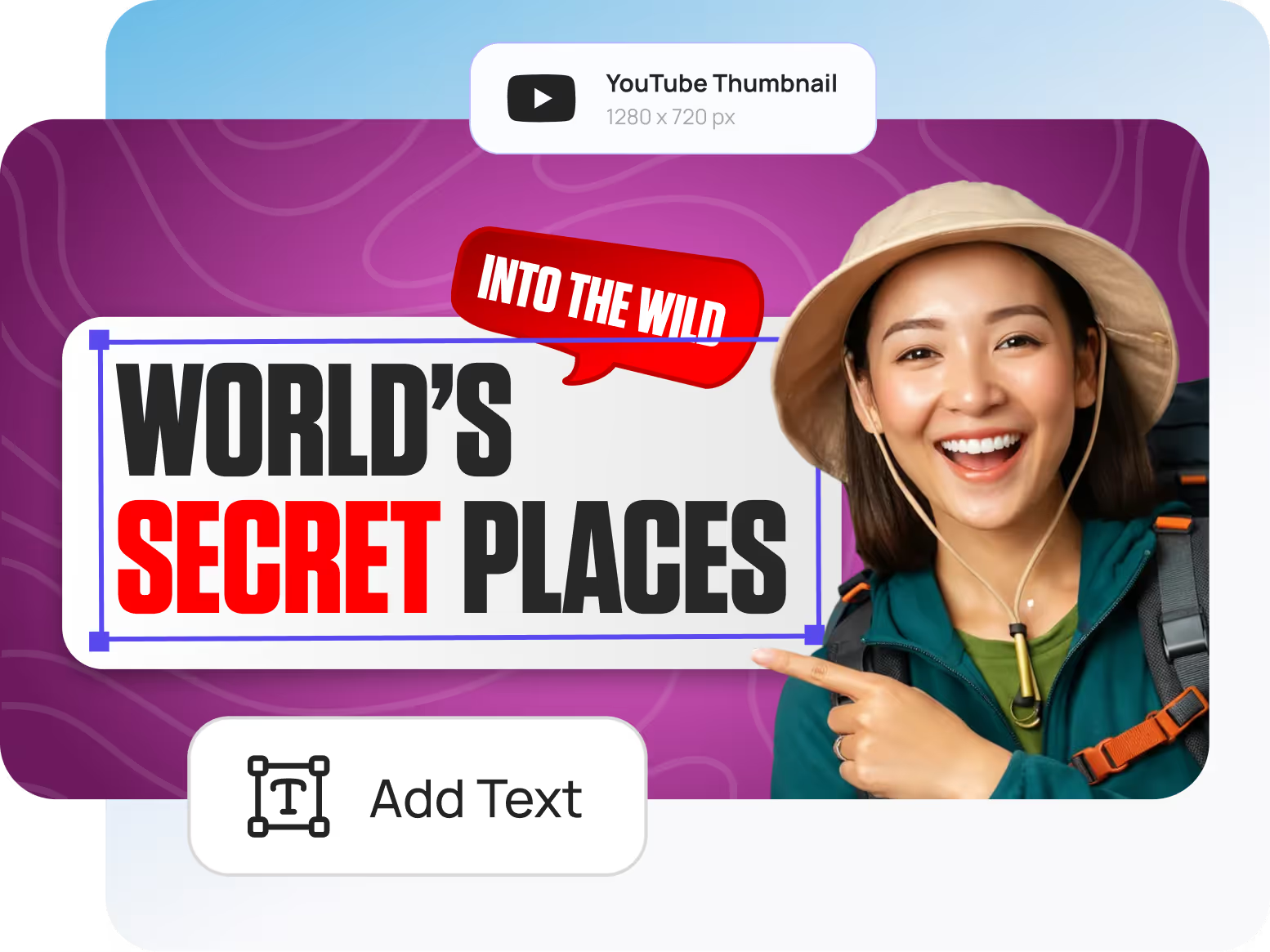
YouTube thumbnail with text 'World's Secret Places' and 'Into the Wild,' showing a smiling woman in a hat and backpack pointing at the text.
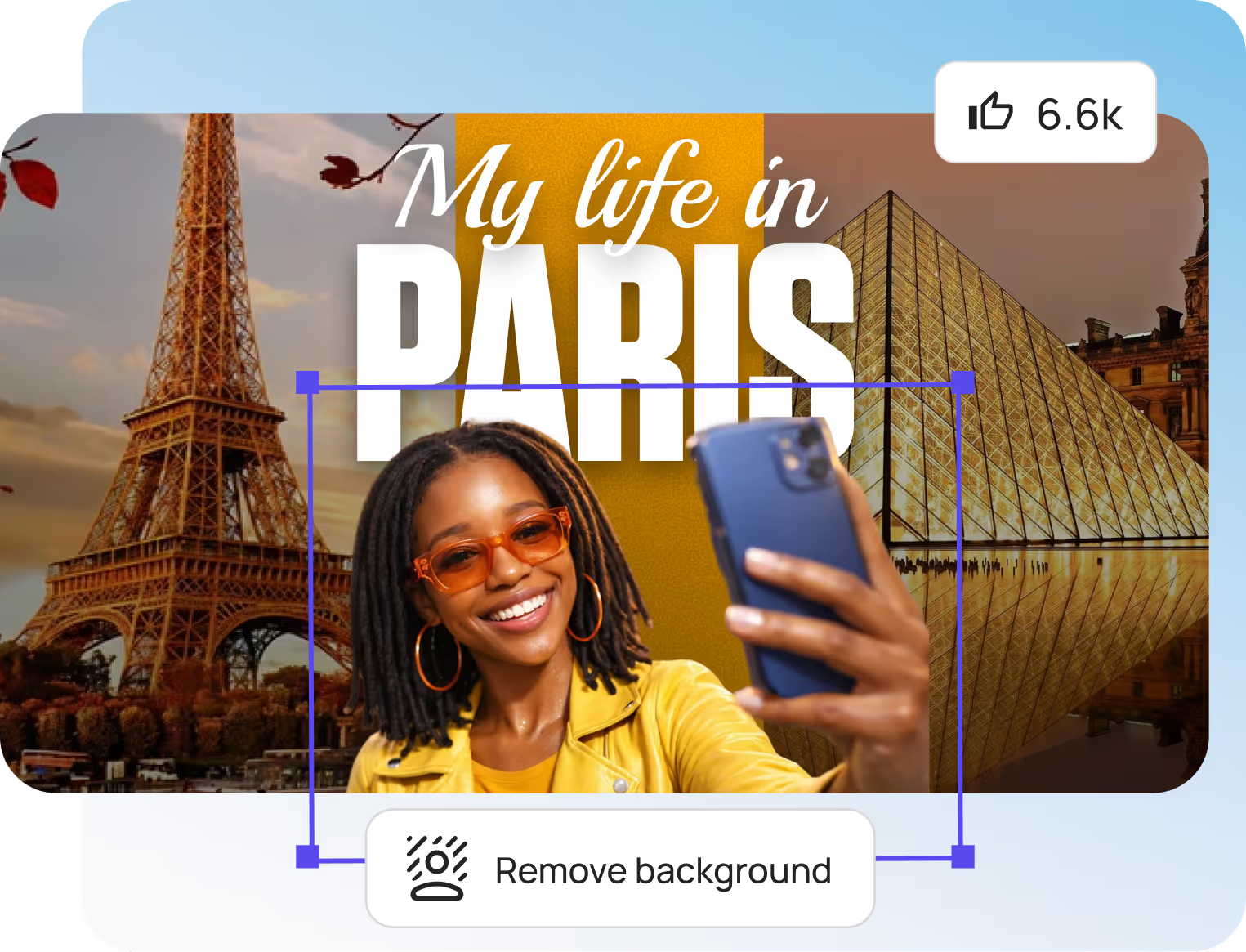
Smiling woman in orange sunglasses and yellow jacket taking a selfie with Eiffel Tower and Louvre Pyramid in the background.

Zero Learning Curve

Zero Learning CurveOur intuitive online thumbnail maker means you don't need to watch hours of tutorials to create something click-worthy. Just drag, drop, and create your design in seconds.
Print-Ready ExportsGet your YouTube thumbnail downloaded in crisp, high-resolution formats (JPG, PNG). Your video preview will look sharp and professional, whether your viewers are on a 4K TV or a mobile phone.
Smart TemplatesDon't start from a blank canvas. Our video thumbnail maker features intelligent layouts that adjust to your custom text and images, keeping your alignment and spacing perfect automatically.

Focus on Marketing & Social Growth

Engagement-First DesignOur templates are built on current YouTube design trends proven to stop the scroll, grab attention, and dramatically increase your video's Click-Through Rate (CTR).
3D VisualizationNever worry about awkward cropping or black bars. Every template is pre-set to the exact 1280x720 YouTube thumbnail size, so your graphics fit perfectly every single time.
Multi-Platform ReadyWhether you are creating an intense gaming video, an educational tutorial, or need a bright YouTube vlog thumbnail, we have the exact layout and dimensions you need instantly.
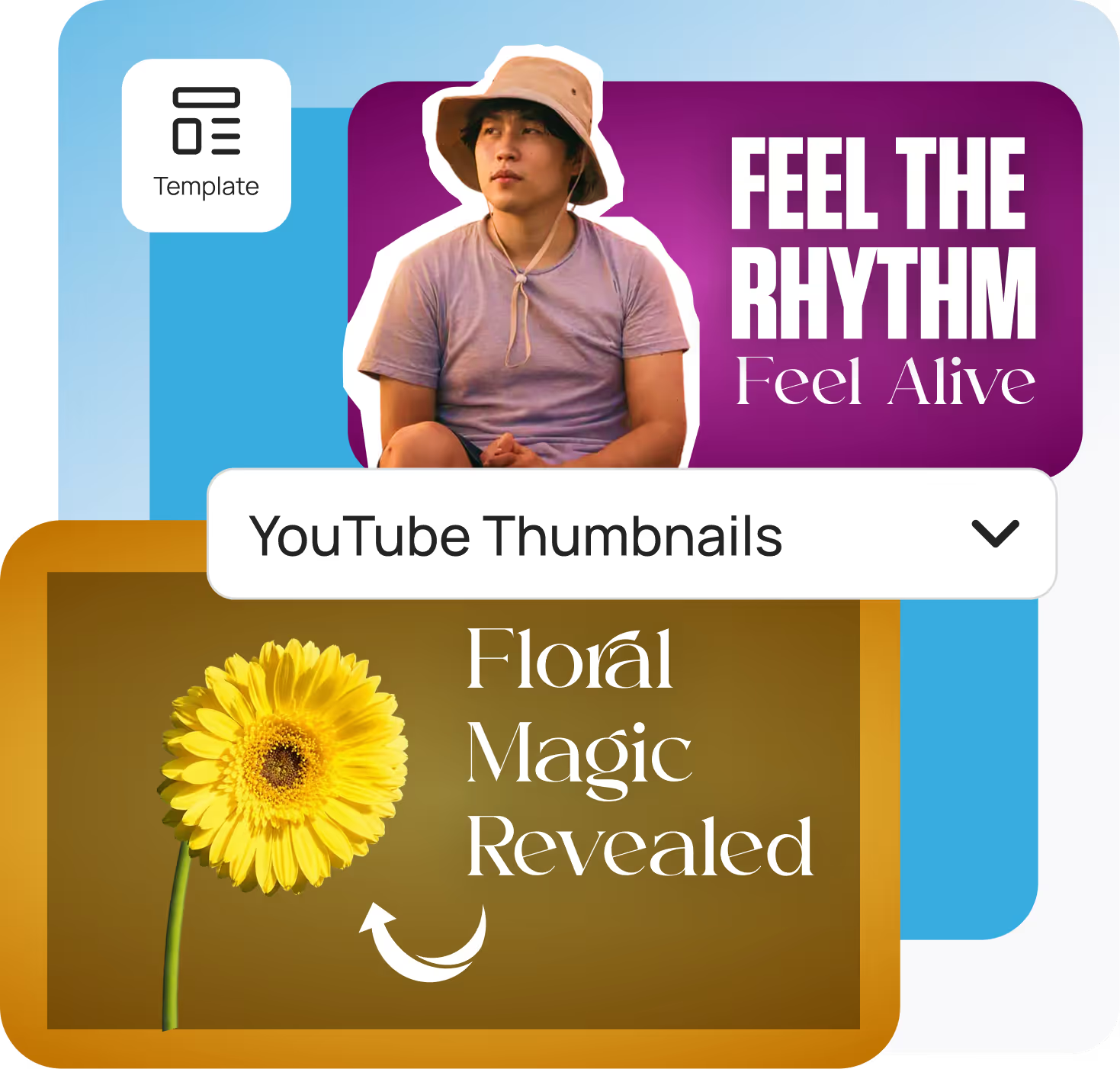
Two YouTube thumbnail templates with texts: 'FEEL THE RHYTHM Feel Alive' with a man wearing a hat, and 'Floral Magic Revealed' with a yellow flower on a brown background.

Frequently asked questions

Everything you need to know about using Designbee. From pricing to features to export quality, here are quick answers to the most common questions so you can start designing with confidence.
Get started for free

What is the correct YouTube thumbnail size?

The ideal YouTube thumbnail size is 1280 x 720 pixels, with a minimum width of 640 pixels and an aspect ratio of 16:9. All of our YouTube thumbnail templates are pre-sized to these exact dimensions, ensuring your video preview looks perfectly crisp on desktop and mobile.

Is this online thumbnail maker free to use?

Yes! DesignBee offers a free version of our thumbnail maker so you can start creating immediately. We provide high-quality, free templates to help you boost your click-through rate, with premium assets available for creators who want to stand out even more.

How do I get a YouTube thumbnail for my video?

It's incredibly easy. Browse our gallery, select a template that matches your video's theme (like gaming, vlog, or tutorial), customize the text and upload your own images, and download your finished design. It takes just a few minutes from start to finish.

Do your YouTube thumbnail templates leave a watermark?

No, designs exported using our free features do not include a watermark. Your downloaded thumbnails are clean, professional-looking, and ready to upload directly to your YouTube studio.

Do I need design skills to use this thumbnail maker?

Absolutely not. Our video thumbnail maker is specifically designed for beginners, YouTubers, and marketers. The templates handle the heavy lifting of layout, color theory, and typography automatically. Just type your title, swap the photo, and you're done.

What makes a good YouTube thumbnail?

A highly-clickable thumbnail should have bright, contrasting colors, a clear focal point (like an expressive face), and very little text. Keeping your text to 3-5 bold words makes it easy to read on mobile devices where thumbnails are very small.

Can I make a YouTube thumbnail on my mobile device?

Yes! DesignBee works smoothly right in your web browser. This makes it incredibly simple to select a template, edit your design, and save your new YouTube thumbnail whether you are on a desktop, tablet, or smartphone.