
Free AI Text to Image Generator
Turn simple text into lifelike, camera-quality images with accurate lighting and natural textures. Our text to image creator is engineered for photorealism—making your ideas look like real photography, not AI art.
By uploading a file you agree to DesignBee’s Terms of Service and Privacy Policy.

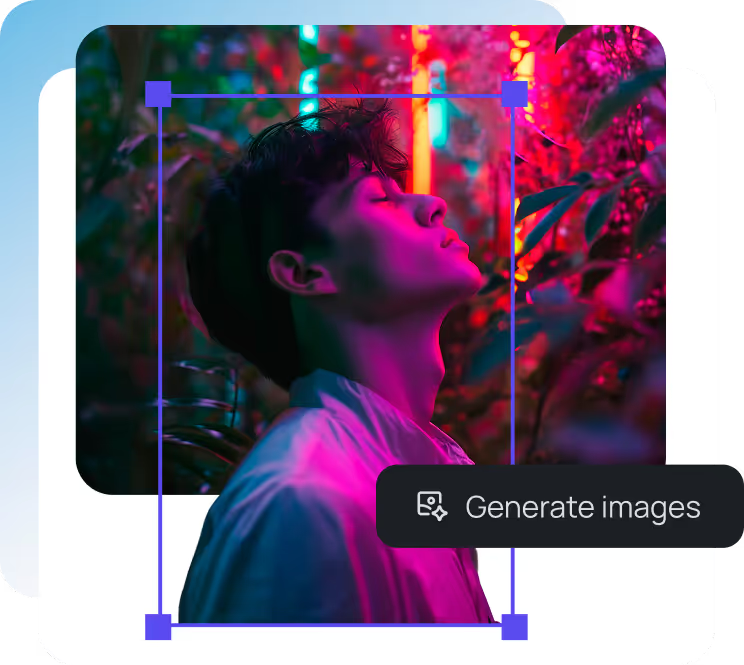
A Text to Image Generator That Prioritizes Realism
Most AI tools focus on fantasy art. DesignBee is a dedicated picture generator from text built for professionals who need authentic results.Whether you need a specific headshot, a product mockup, or an editorial scene, our engine understands complex descriptions and translates your text to image with zero "AI artifacts" like warped hands or plastic skin.
DesignBee vs. Other Text to Image Generators
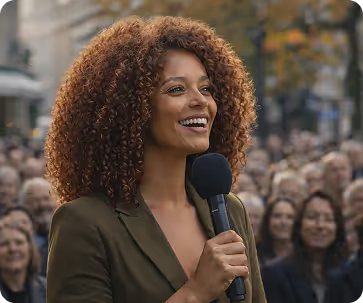
Our Generator
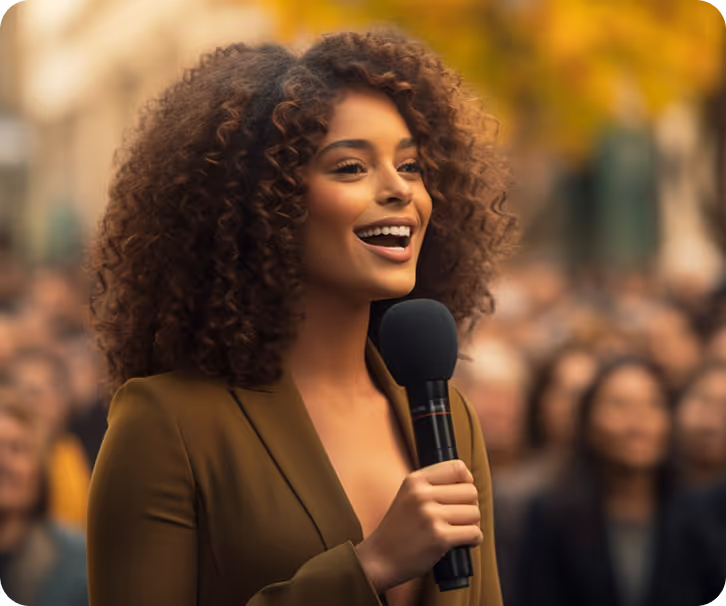
Other AI Tools
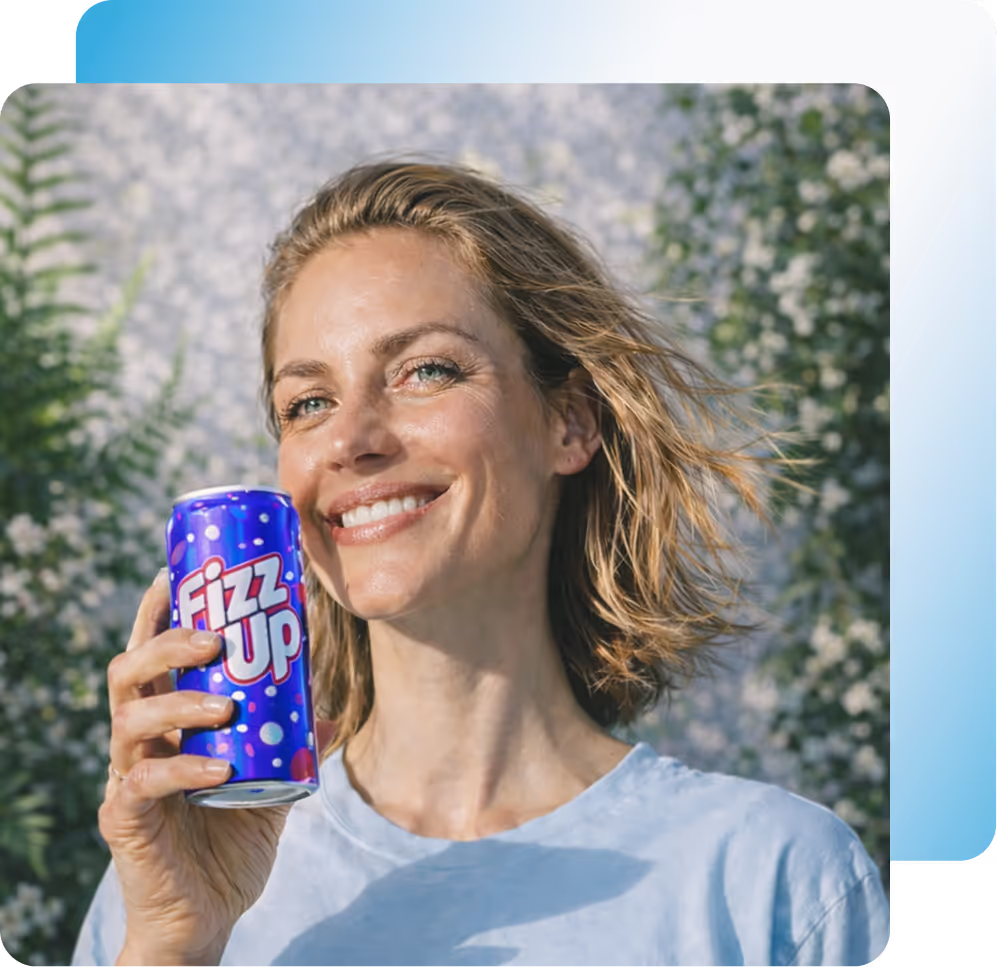
How to Create Images from Text
Perfect For:

Describe Your Image :Type a simple description. For example: "A realistic fashion portrait of a woman in a red dress." Our text to image creator understands natural language details like lighting, mood, and camera angles.

Click Generate :Watch as the AI processes your request. In seconds, it acts as a picture generator from text, building pixels that match your exact vision.

Download & Edit :Get a high-resolution, copyright-free image ready for your website, ads, or social media.
the #1 Skin
Enhancer online
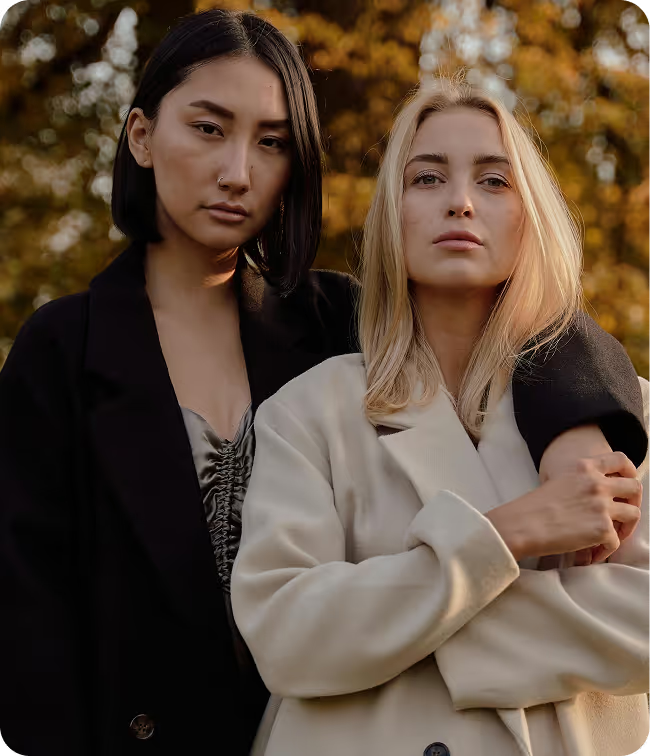
Enhance skin naturally—without filters or plastic-looking effects. Smooth, balance, and refine skin tones while keeping real texture intact.
What it Does:

Improves skin tone balance and consistency

Reduces harsh shadows and uneven lighting

Preserves natural pores and texture

Avoids over-smoothing or “AI beauty” artifacts
Best for:
Portraits, headshots, lifestyle photos, and realistic people images where authenticity matters.
Portraits, headshots, lifestyle photos, and realistic people images where authenticity matters.
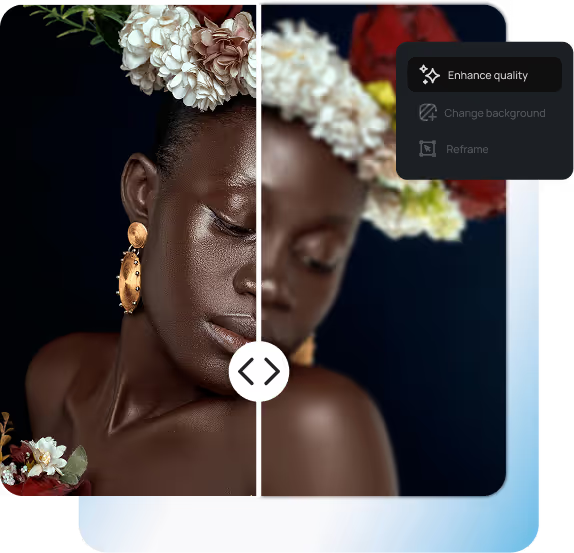
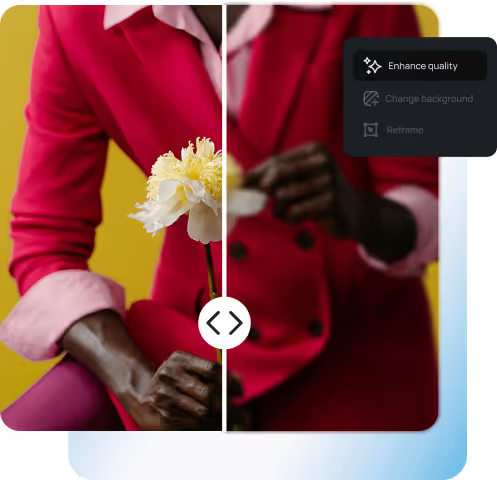
Easily Upscale Your Photos
Increase image resolution without losing realism. Sharper details, cleaner edges, and higher clarity—without the “AI-enhanced” look.
What it Does:

Boosts resolution for web, print, and presentations

Enhances fine details while preserving natural textures

Reduces blur and compression artifacts

Keeps lighting and proportions realistic
Best for:
Product images, portraits, marketing visuals, and any image that needs to look crisp at larger sizes.

.avif)
Instant Face Swap
Swap faces instantly using AI. Upload a photo or select a face, and our AI will seamlessly replace it while matching lighting, skin tone, and angles—no manual editing needed.
If you want it shorter or more playful/technical, say the word and I’ll tweak the tone.
If you want it shorter or more playful/technical, say the word and I’ll tweak the tone.
Ready to generate an image?
Bring your imagination to life with fast, AI-powered image generation.

DesignBee is the all-in-one creative suite for modern web developers and designers. Generate, edit, and upscale images instantly with the power of AI.
Company