Free Online YouTube Thumbnail Maker

Boost your channel's click-through rate with stunning video previews. Our video thumbnail maker gives you all the tools you need to create professional designs in minutes. Whether you are a gamer, vlogger, or educator, you can build custom graphics without downloading heavy software. Best of all? Every canvas is automatically set to the optimal YouTube thumbnail size, so your graphics always look crisp
Create Your Thumbnail
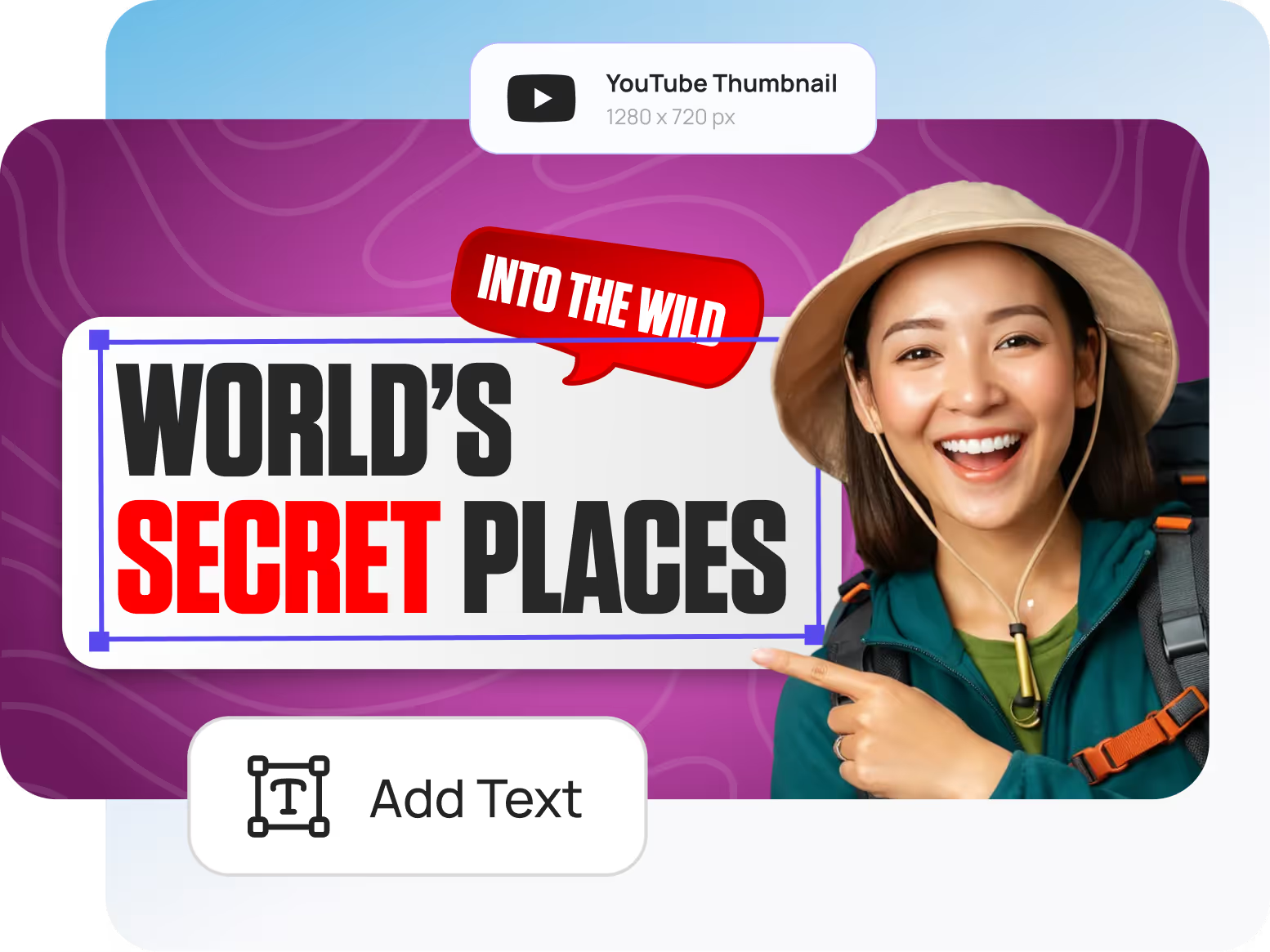
YouTube thumbnail with text 'World's Secret Places' and 'Into the Wild,' showing a smiling woman in a hat and backpack pointing at the text.
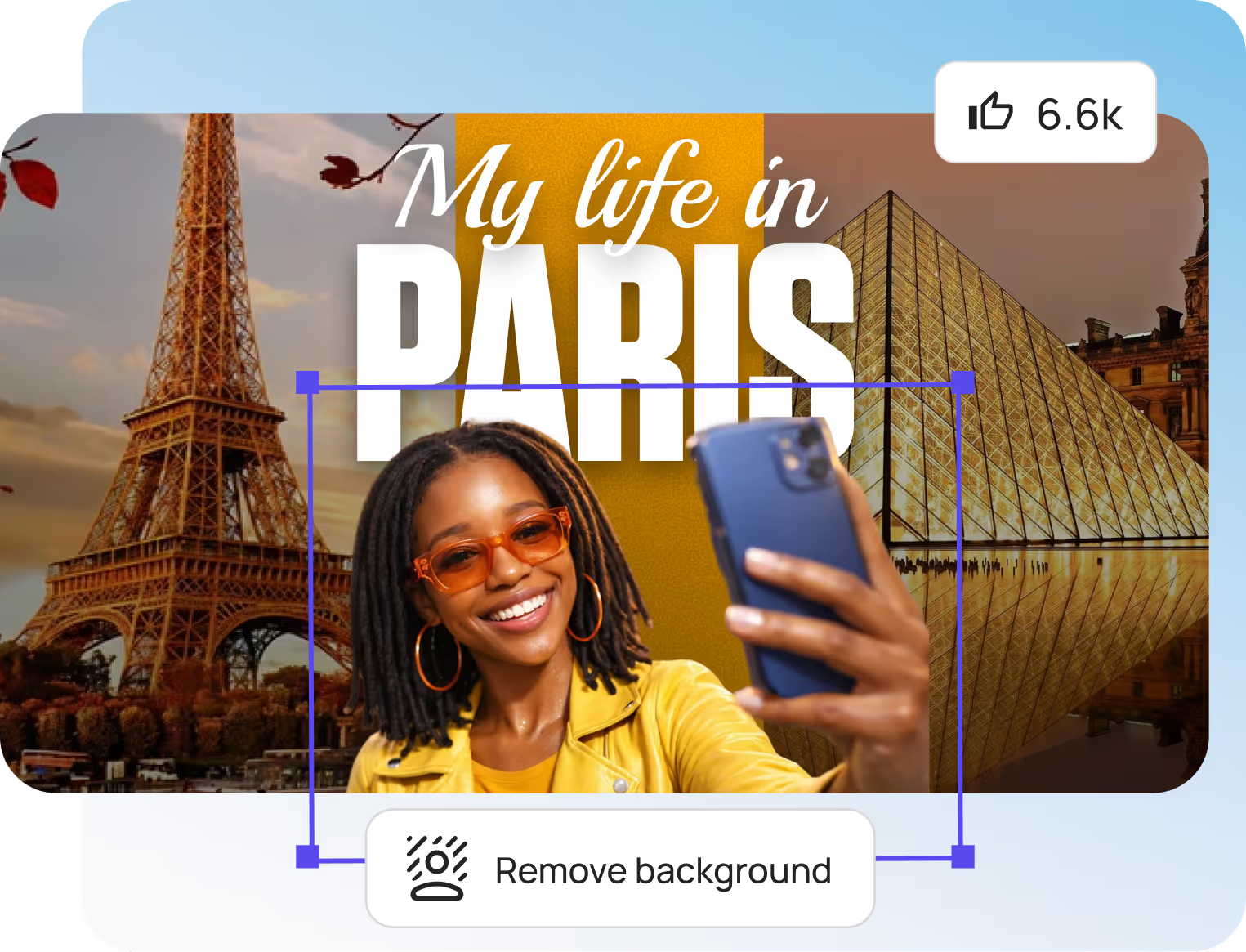
Smiling woman in orange sunglasses and yellow jacket taking a selfie with Eiffel Tower and Louvre Pyramid in the background.

Your YouTube Thumbnail Is Your Video's First Impression

Research shows that custom thumbnails significantly outperform auto-generated options. Top creators invest serious time in thumbnail design because they understand the impact on click-through rates. With DesignBee's YouTube thumbnail creator, you get professional results without the professional price tag or learning curve.Whether you're launching your first channel or managing content for millions of subscribers, our AI thumbnail maker gives you the tools to compete with the biggest names on the platform.

Create your YouTube Thumbnails in 3 Simple Steps

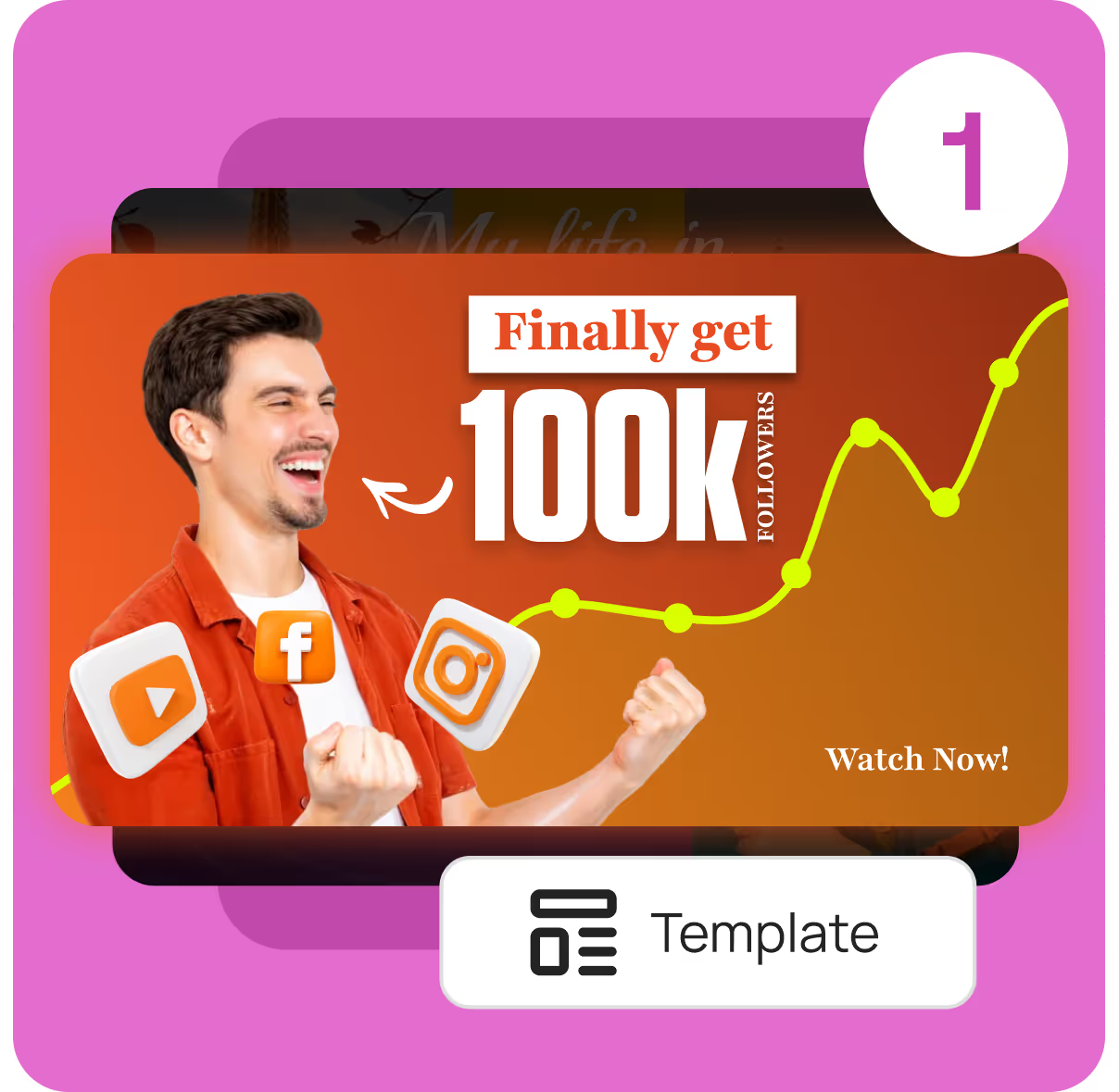
Excited man celebrating with social media icons and text 'Finally get 100k followers' with an upward trending graph.

Choose Your Starting Point

Select from over 1,000 YouTube thumbnail templates organized by nicheβ€”gaming, vlogs, tutorials, reviews, podcasts, and more. Or start with a blank canvas and let AI generate a custom design from your text description.

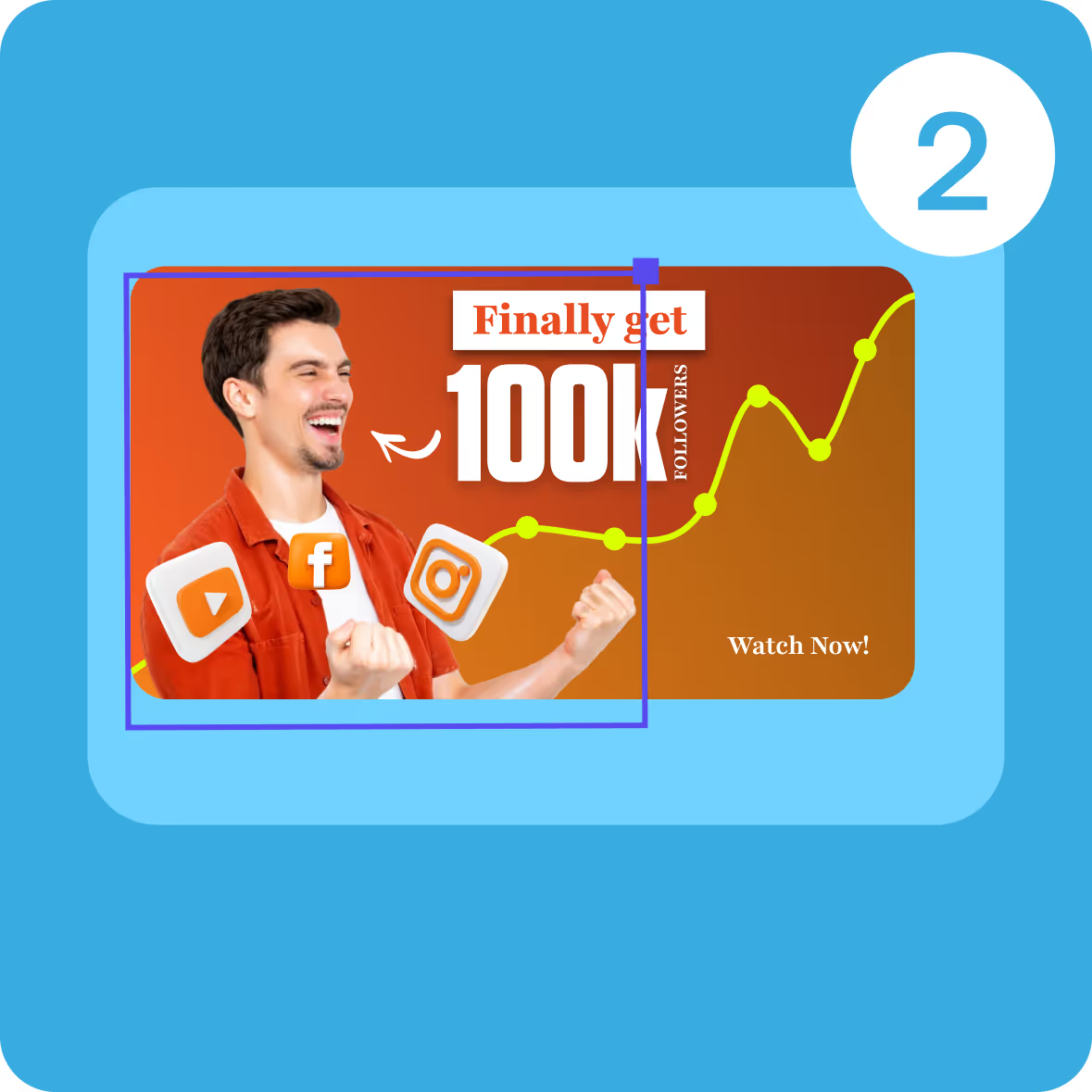
Excited man in orange shirt with icons of YouTube, Facebook, and Instagram, alongside text promising 100k followers and a rising yellow graph line on orange background.

Customize with AI-Powered Tools

Upload your images and watch AI work its magic. Our smart editor automatically removes backgrounds, enhances image quality, and suggests optimal text placement. Drag and drop elements, adjust colors to match your brand, and fine-tune every detail with intuitive controls.

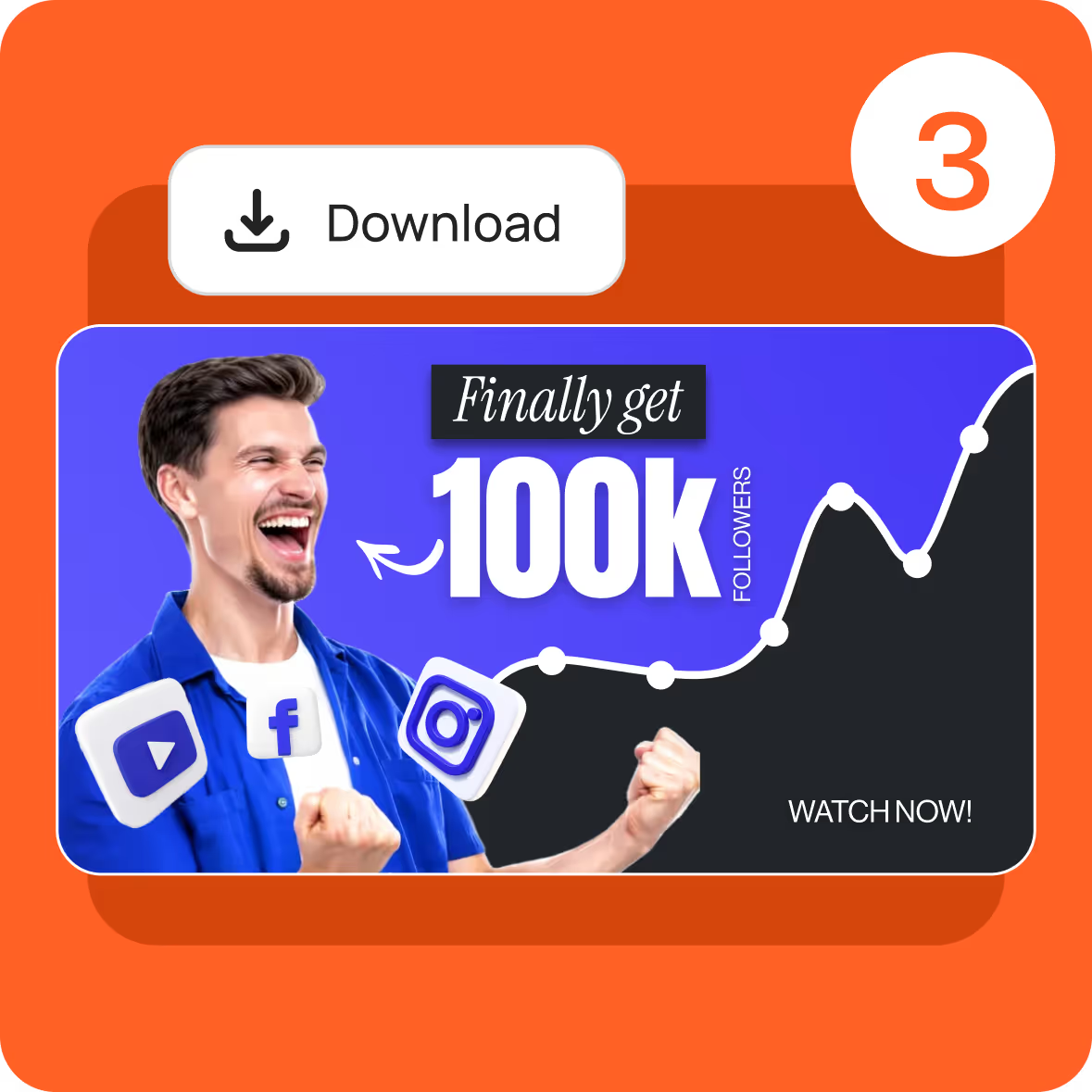
Excited man in blue shirt celebrating with a graph showing follower growth and text 'Finally get 100k followers', social media icons, and a download button.

Download and Publish

Export your finished YouTube thumbnail in the perfect formatβ€”optimized JPG or PNG under 2MB, sized exactly at 1280Γ—720 pixels. Upload directly to YouTube Studio and watch your click-through rate climb.

YouTube Thumbnail Templates for Every Creator

Stop staring at a blank canvas. Our design team and AI have created thousands of YouTube thumbnail templates purpose-built for maximum clicks. Every template follows thumbnail best practices: bold typography, high-contrast colors, and strategic layouts that pop at any screen size.
Create Your Thumbnail
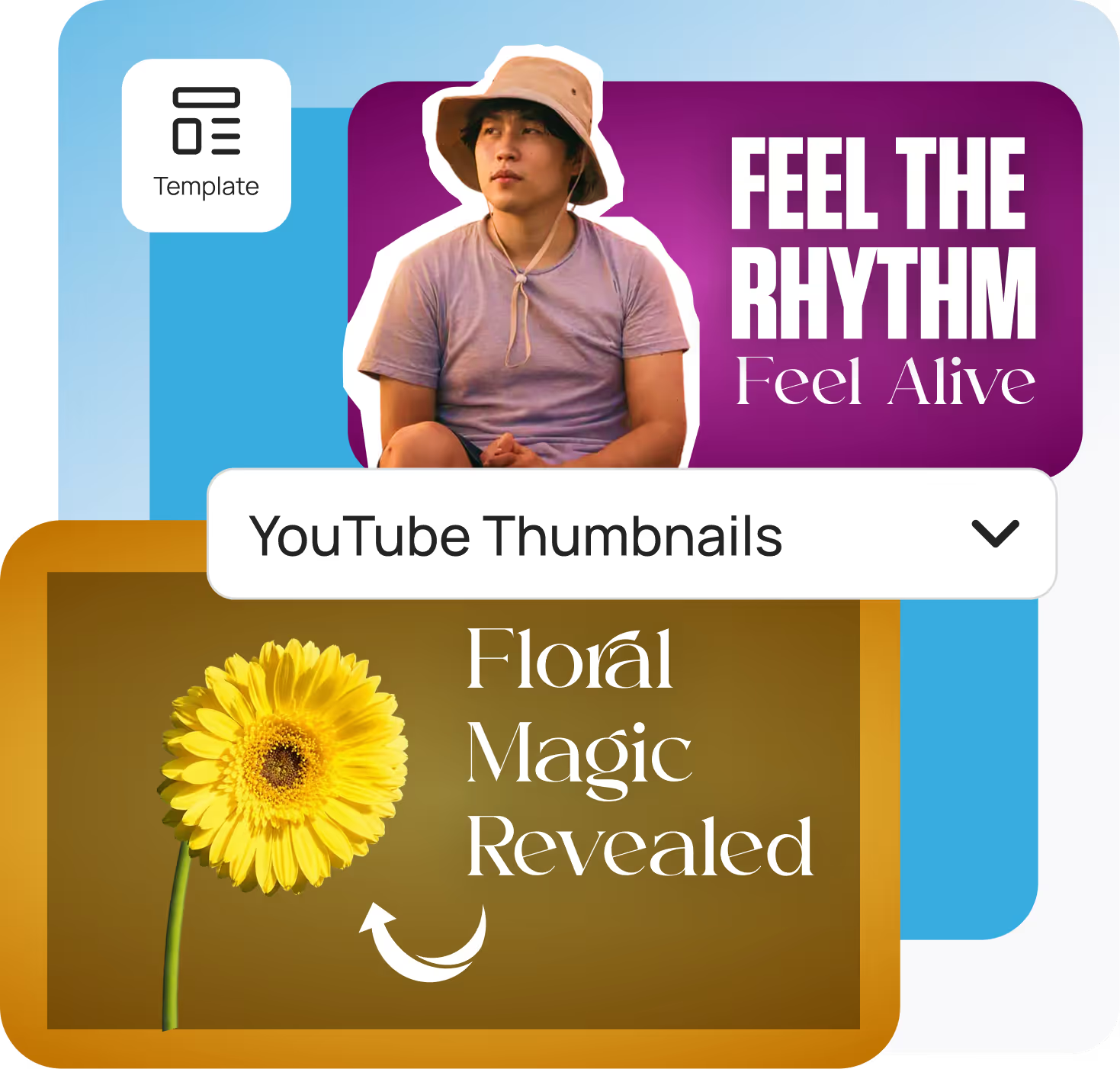
Two YouTube thumbnail templates with texts: 'FEEL THE RHYTHM Feel Alive' with a man wearing a hat, and 'Floral Magic Revealed' with a yellow flower on a brown background.
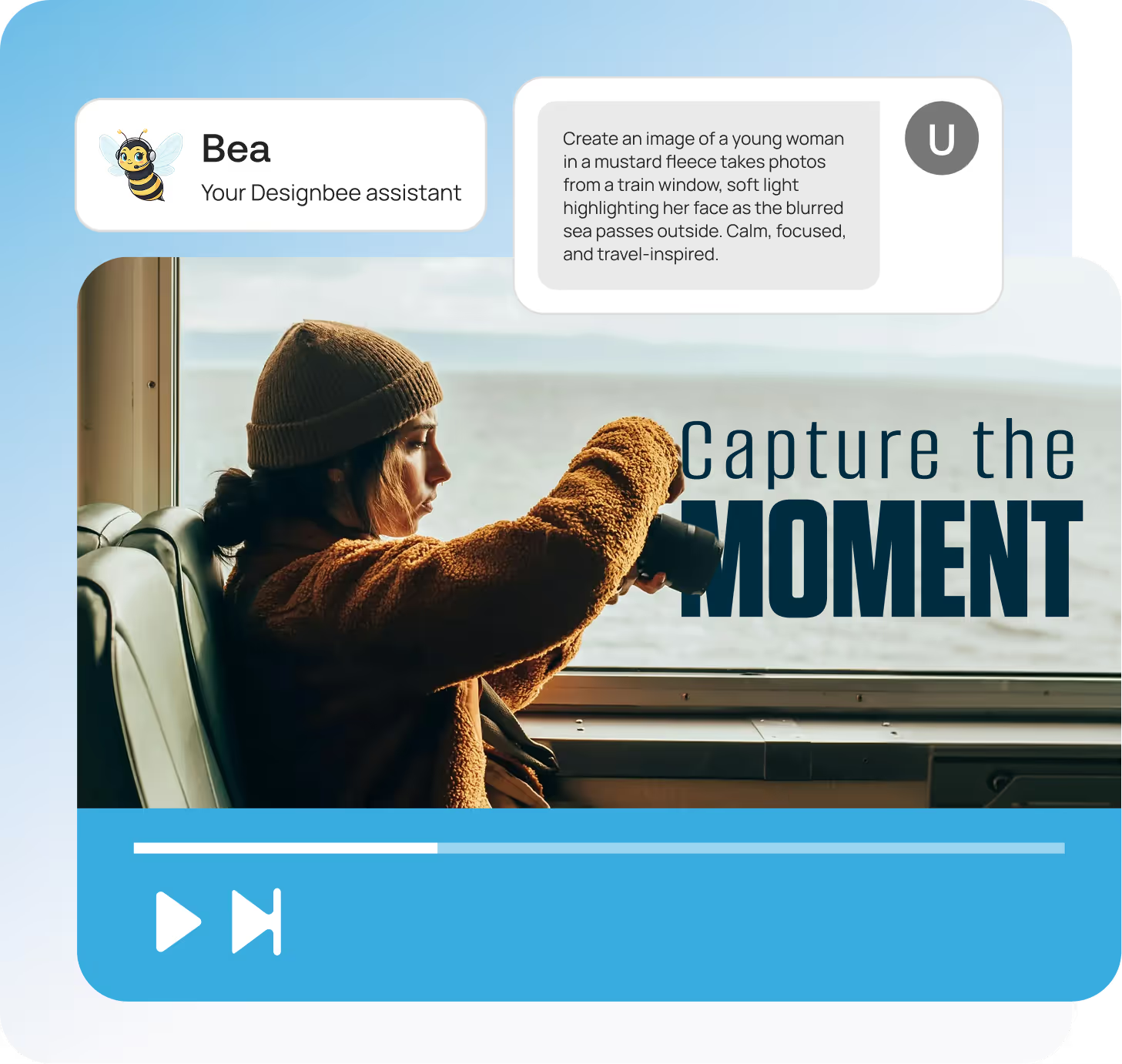
Young woman in a brown fleece and knit hat takes photos from a train window with a blurred sea outside, soft light on her face.

AI-Powered Features That Make Thumbnail Creation Effortless

DesignBee isn't just another YouTube thumbnail editorβ€”it's an intelligent design assistant that handles the technical work so you can focus on creativity.
Instant Background Removal
AI Image Enhancement
Smart Text Suggestions
mingcute_head-ai-line
Text-to-Thumbnail Generation
One-Click Brand Matching

YouTube Thumbnail Frequently Asked Questions

Everything you need to know about using Designbee. From pricing to features to export quality, here are quick answers to the most common questions so you can start designing with confidence.
Create Your Thumbnail

What is the best size for a YouTube thumbnail?

The ideal YouTube thumbnail size is 1280 Γ— 720 pixels with a 16:9 aspect ratio. This is YouTube's recommended resolution and ensures your thumbnail displays clearly across all devices. The minimum width YouTube accepts is 640 pixels, and your file must be under 2MB.

How do I make a YouTube thumbnail for free?

You can create professional YouTube thumbnails for free using DesignBee's AI thumbnail maker. Simply choose a template or start from scratch, customize your design with our drag-and-drop editor, and download your finished thumbnailβ€”no credit card or account required to get started.

What file format should I use for YouTube thumbnails?

YouTube accepts JPG, PNG, GIF, and BMP formats for thumbnails. JPG is recommended for most thumbnails because it balances image quality with small file sizes. Use PNG if your design includes transparency or you need maximum quality for graphics-heavy thumbnails.

Do I need to verify my account to upload custom thumbnails?

Yes, YouTube requires phone verification before you can upload custom thumbnails. This is a one-time verification process through YouTube Studio. Once verified, you can add custom thumbnails to all your videos.

What makes a YouTube thumbnail get more clicks?

High-performing YouTube thumbnails typically include human faces showing clear emotions, bold and contrasting colors, minimal text (3-5 words maximum) in large readable fonts, and consistent branding. Thumbnails should be designed for mobile viewing and accurately represent your video content.

Can AI generate YouTube thumbnails?

Yes, AI-powered tools like DesignBee can generate complete YouTube thumbnails from text descriptions or automatically enhance your designs. AI features include background removal, image upscaling, smart text placement, and generating design variations for A/B testing.

How do I add a custom thumbnail to my YouTube video?

Upload your custom thumbnail through YouTube Studio. Open your video details, scroll to the Thumbnail section, click "Upload thumbnail," select your image file, and save changes. Your new thumbnail will appear within minutes.

Complete YouTube Design Suite

DesignBee gives you everything you need to build a professional YouTube presence beyond thumbnails.
Get started for free